|
<< Click to Display Table of Contents >> Exporting a Contour Map Image |
  
|
|
<< Click to Display Table of Contents >> Exporting a Contour Map Image |
|

To export the contour map image either to an image in the project or to a Windows EMF file, click the Export Image button on the toolbar. When exporting to a project image, the image name and version are specified.
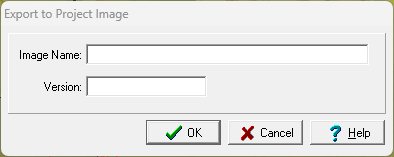
The following can be specified on this form:
Image Name: This is the image name to show in the project.
Version: This is the image version to show in the project.
In addition to the contour map image, the color bar scale is also saved as a separate EMF file if it is displayed.