|
<< Click to Display Table of Contents >> Archiving Projects |
  
|
|
<< Click to Display Table of Contents >> Archiving Projects |
|
Projects that are no longer in use can be archived and then subsequently retrieved if desired. Archived projects will no longer appear on the projects list. This can be used to make the selection of more current projects quicker and easier.
To archive one or more projects go to Tools > Projects > Archive Projects when no project is open. The Archive Projects form will be displayed.
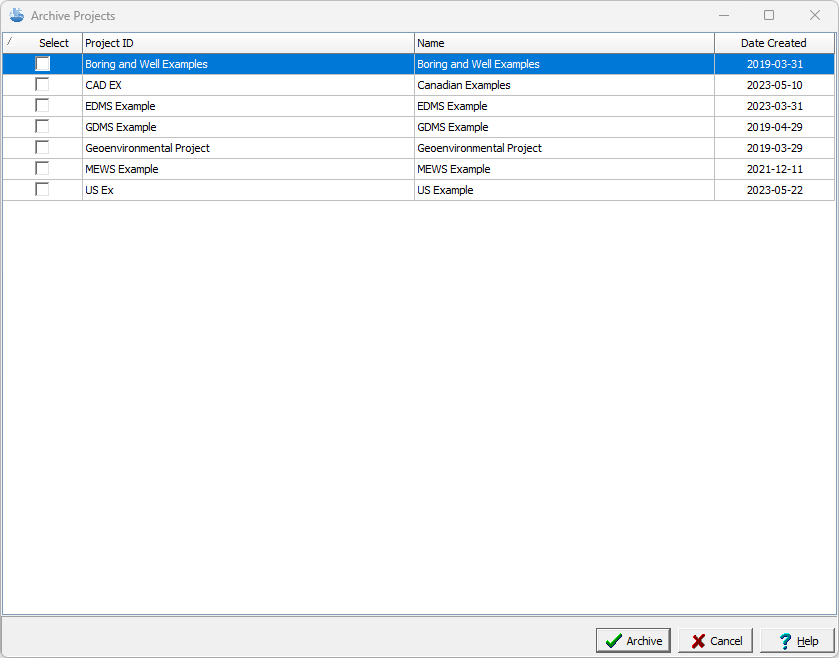
This form is used to select the projects to archive. After the projects have been selected click on Archive. The archived projects are then stored in the Datastore and will no longer appear in the projects list