|
<< Click to Display Table of Contents >> Deleting a Document |
  
|
|
<< Click to Display Table of Contents >> Deleting a Document |
|
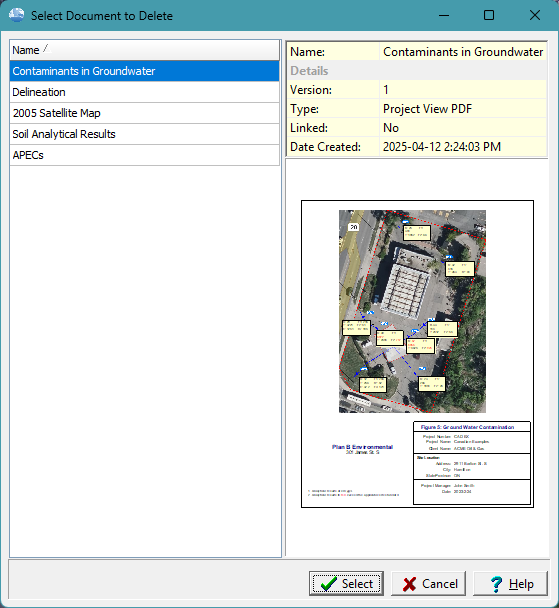
To delete a document in the project select File > Delete > Document. Then select the document to be deleted.