|
<< Click to Display Table of Contents >> Displaying a Document |
  
|
|
<< Click to Display Table of Contents >> Displaying a Document |
|

PDF documents can either be opened from a list or from the sidebar.
Selecting from the Sidebar
To open the document from the sidebar either double-click on it in the sidebar or click on the view on the sidebar and select Popup > Open.
Selecting from a List
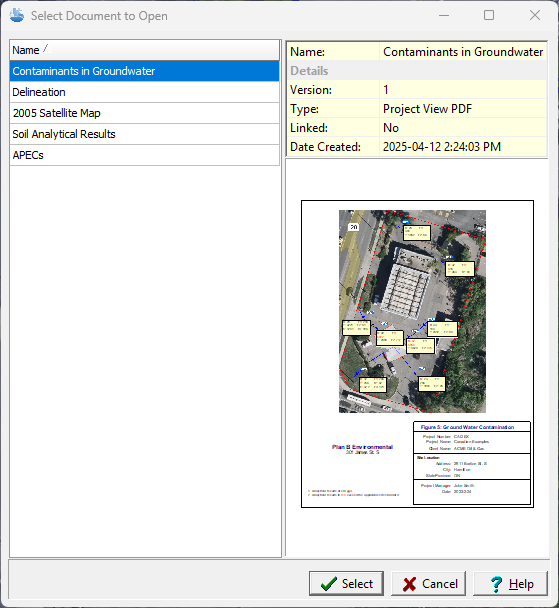
To open the document from a list either select File > Open > Document or click on the Open button on the main toolbar and select Document. The document can then be selected from a list of documents in the project
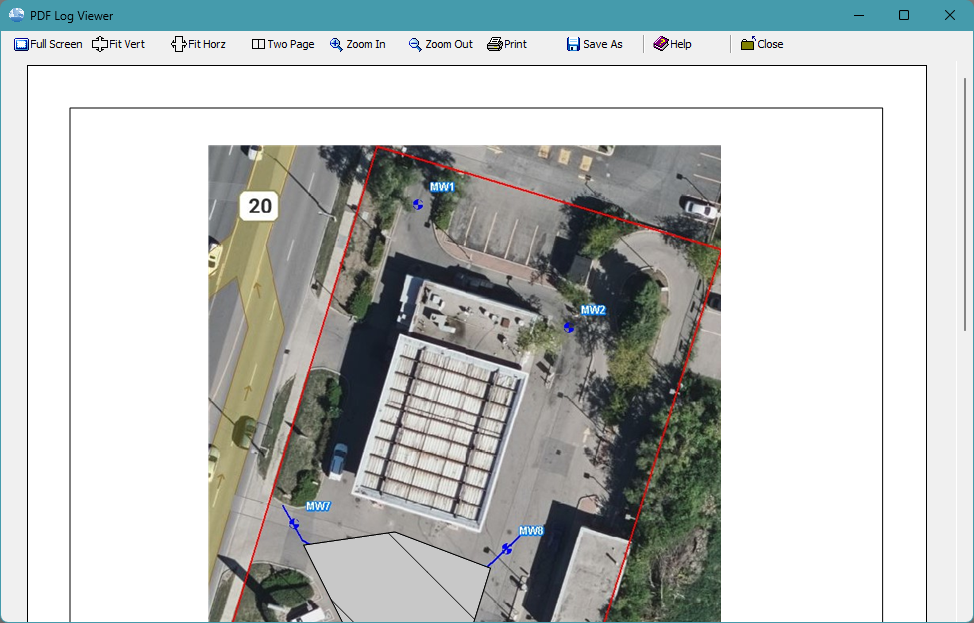
The document will then be displayed as shown below. The buttons at the top can then be used to fit, zoom, print, or save the document to a PDF file..In addition, the left mouse button can be used to zoom in and the right mouse button can be used to zoom out.