|
<< Click to Display Table of Contents >> Editing Project Descriptors |
  
|
|
<< Click to Display Table of Contents >> Editing Project Descriptors |
|
Project descriptors can be used to specify custom information for a project based upon your specific organizational needs. These descriptors can be edited by selecting Tools > Projects > Descriptors. The Project Descriptors form will be displayed.
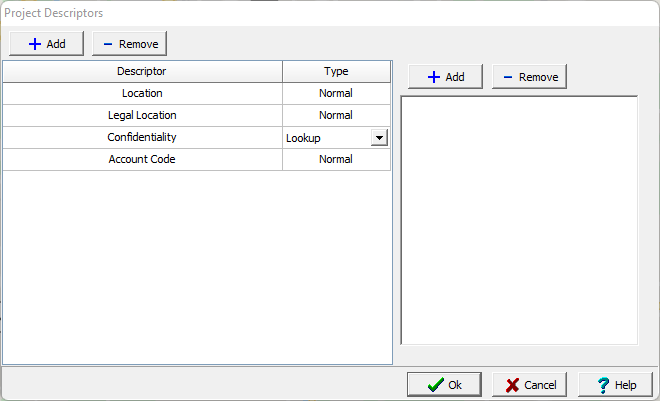
There can be any number of descriptors. For each descriptor a descriptor and type are specified. The type of descriptor is selected by clicking on the type column, it can be Normal (text), Lookup, Float, Integer, Date, or Yes/No. If the type is Lookup, a list of lookup values for the descriptor is displayed to the right. Lookup values can be added and removed using the buttons at the top of the form. To edit a lookup value, select it in the list and then click on it again to edit it,.