|
<< Click to Display Table of Contents >> Exporting gINT Project Information |
  
|
|
<< Click to Display Table of Contents >> Exporting gINT Project Information |
|
The first step is to specify any additional project information to be exported. After the information has been entered, the Next button can be used to go to the next step.
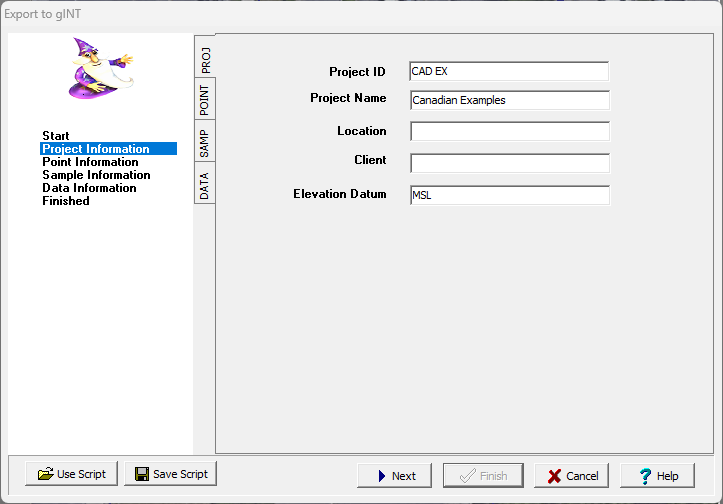
To make this process easier if you are exporting to gINT files a lot, you can create and use script files to for the export settings. To create a new script file with the export settings click on the Save Script button and enter a name for the script. The script should only be saved after all of the export settings have been entered. To open and use an existing script, click on the Use Script button and select the script.