|
<< Click to Display Table of Contents >> Network Data Monitor |
  
|
|
<< Click to Display Table of Contents >> Network Data Monitor |
|
The GaeaSynergy 6 Data Monitor is used to control the preference and Internet settings, monitor the schedule and queue, upload data for WinLoG Field Assistant,and show the EDI history. When the application is started the monitor form will be displayed.
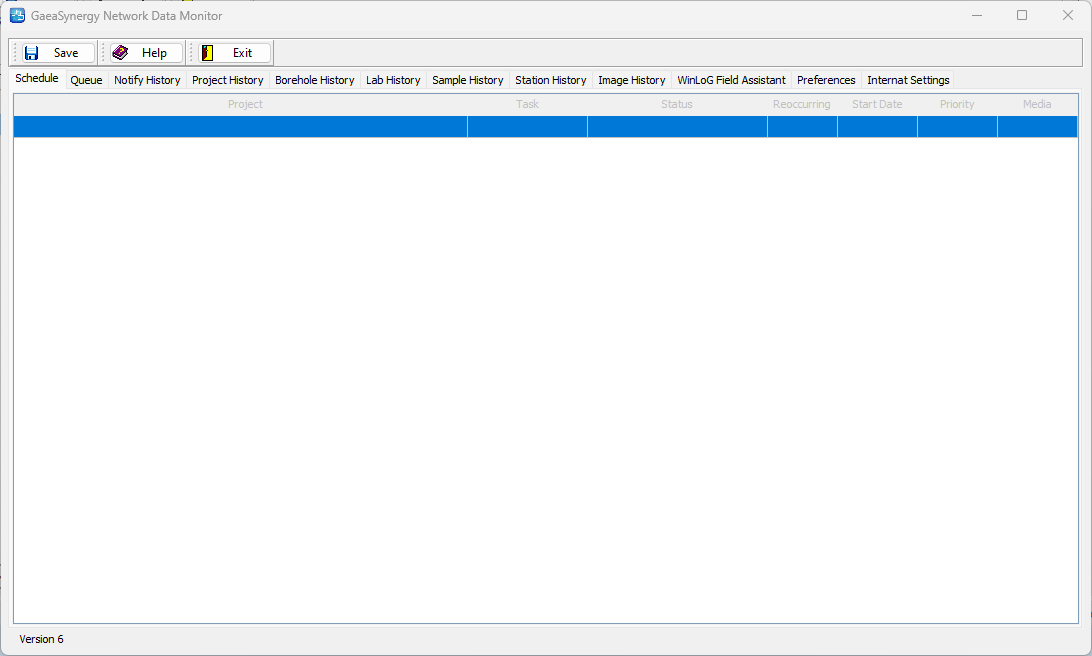
At the top of the form there are buttons for the following:
Save: This button is used to save the current preference settings for use by the service.
Help: This button is used to display help on how to use the program.
Exit: This button will shutdown the monitor process. The service is not affected by this and will still be running in the background.
This form has several tabs for Schedule, Queue, Notify History, Project History, Borehole History, Lab History, Sample History, Station History, Image History, WinLoG Field Assistant, Preferences, and Internet Settings. These tabs are described in the sections below.