|
<< Click to Display Table of Contents >> Limits Tab |
  
|
|
<< Click to Display Table of Contents >> Limits Tab |
|
The Limits tab is used to select the limit for each sample to include in the table..
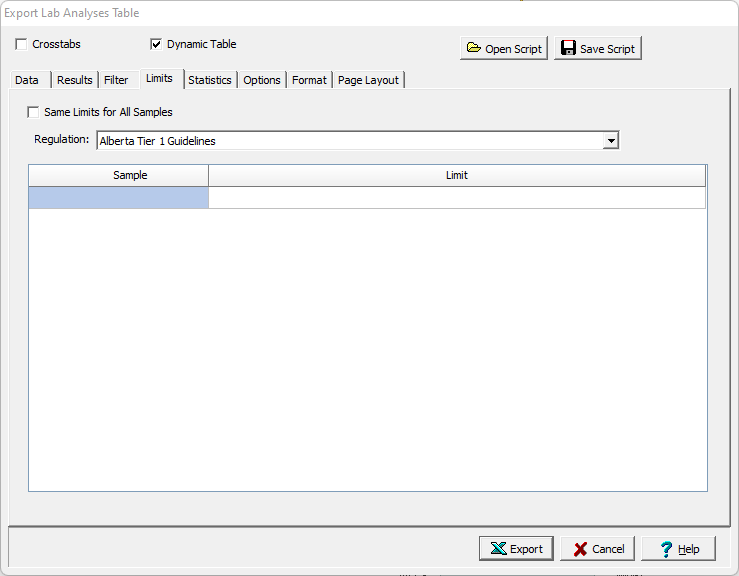
The following can be specified on this tab:
Same Limits for All Samples: Check this to use the same limit for all samples (as shown on the Regulations tab). Uncheck to use a different limit for each sample or well.
Regulation: This is used to select the regulation that will be used to select limits for samples.
Sample Limit: For each sample, a limit can be selected. Click on the Limit column to display a list of limits to choose for the sample