|
<< Click to Display Table of Contents >> Displaying an Image |
  
|
|
<< Click to Display Table of Contents >> Displaying an Image |
|

Images can either be opened and displayed from a list or from the sidebar.
Selecting from the Sidebar
To open the image from the sidebar either double-click on it in the sidebar or click on the view on the sidebar and select Popup > Open.
Selecting from a List
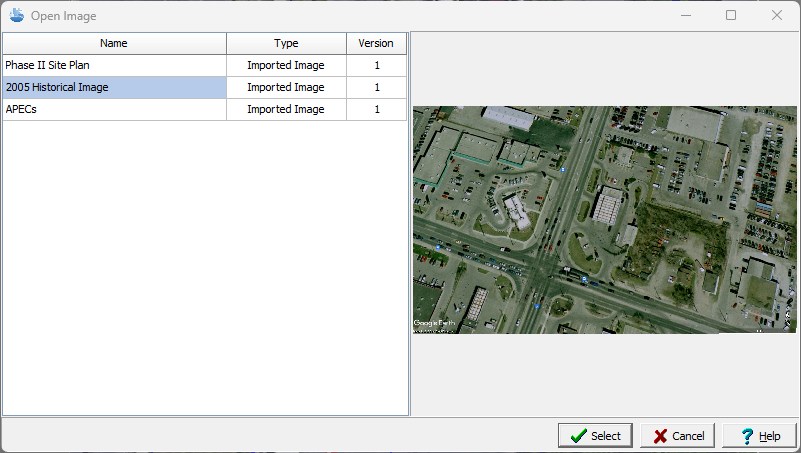
To open an image from a list either select File > Open > Image or click on the Open button on the main toolbar and select Image. The image can then be selected from a list of images in the project.
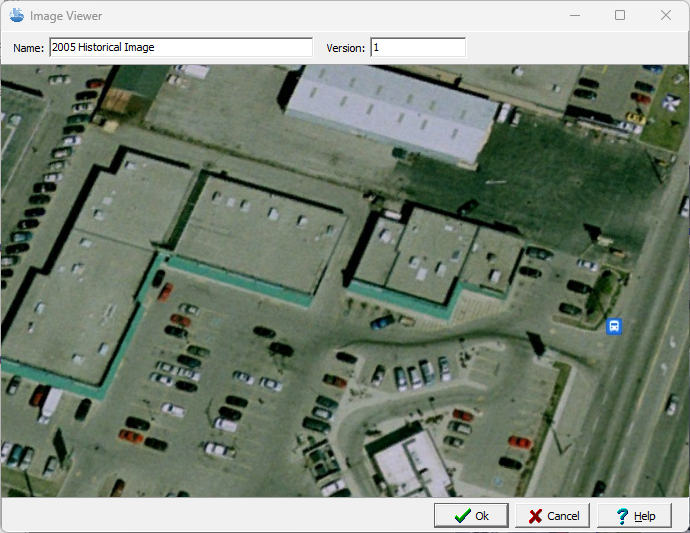
The image will then be displayed as shown below. The name and version of the image can be edited on this form.