|
<< Click to Display Table of Contents >> Importing an Image |
  
|
|
<< Click to Display Table of Contents >> Importing an Image |
|
To import an image into a project select File > Import > Image. After selecting the image file the Save Imported Image form will be displayed.
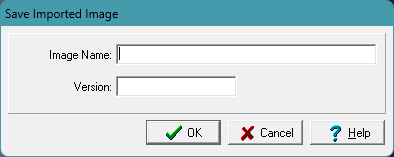
The following can be specified on this form:
Image Name:This is the image name to show in the project.
Version: This is the image version to show in the project.