|
<< Click to Display Table of Contents >> Single User |
  
|
|
<< Click to Display Table of Contents >> Single User |
|
Licenses for the modules in GaeaSynergy can be purchased and registered by going to Tools > Manage Licenses.The License Manager form will be displayed with a table that shows the current licensing of the modules. To get detailed information about a module click on it in the table. The detailed information will be displayed to the right.
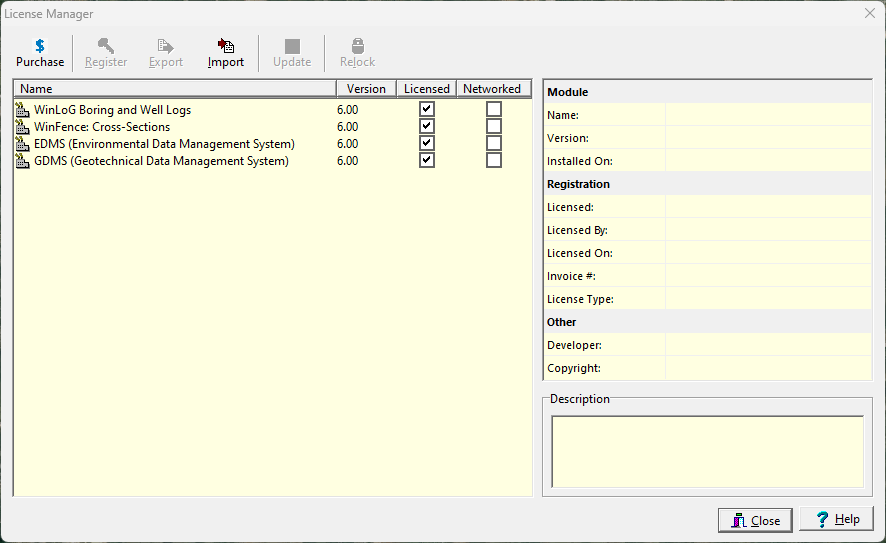
At the top of this form there are buttons to Purchase a license, Register a license, Export serial numbers, Import registration codes, Update a license, and Relock (transfer) a license for the selected module. These buttons will be enabled and disabled depending upon whether the selected module is licensed. .These functions are explained in the sections below.