|
<< Click to Display Table of Contents >> Exporting Serial Numbers |
  
|
|
<< Click to Display Table of Contents >> Exporting Serial Numbers |
|
The serial numbers of one or more of the modules can be exported to a file and emailed to GAEA. After the file has been processed a registration file will be emailed back from GAEA. This registration file can then be imported and the registration codes saved.
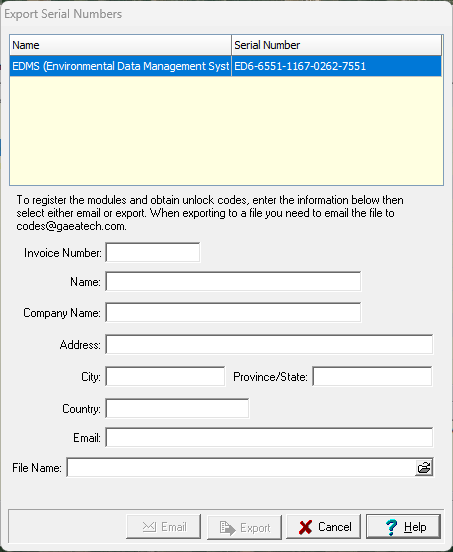
To export the serial number file, select one or more of the unlicensed modules on the License Manager form and then click on the Export button on the toolbar of the form. The Export Serial Number form will be displayed where you can enter the invoice number and your contact details. A file name must be specified to store the exported serial numbers.
After you enter the information you can either email the file directly to GAEA by clicking on the Email button or save it to your disk and email it yourself by clicking on the Save button.