|
<< Click to Display Table of Contents >> Display a Geophysical Log Image |
  
|
|
<< Click to Display Table of Contents >> Display a Geophysical Log Image |
|
If there is no template assigned and the opened log has one or more geophysical log images assigned, the Select Log Image form will be displayed.
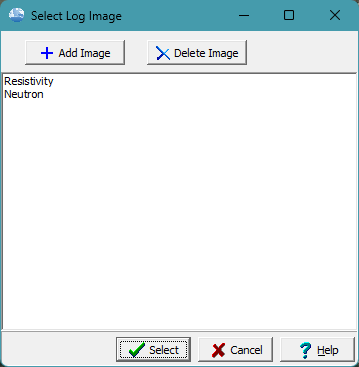
An imaged already assigned to the log can be selected for display, by selecting it and then clicking on the Select button. It will then be displayed in the image viewer.
Additional geophysical log images can be added to the borehole or well using the Add Image button. And images can be deleted from the borehole or well by selecting them and clicking on the Delete Image button.