|
<< Click to Display Table of Contents >> Log Image Viewer |
  
|
|
<< Click to Display Table of Contents >> Log Image Viewer |
|
Once an geophysical log image has been selected it will be displayed as shown below.
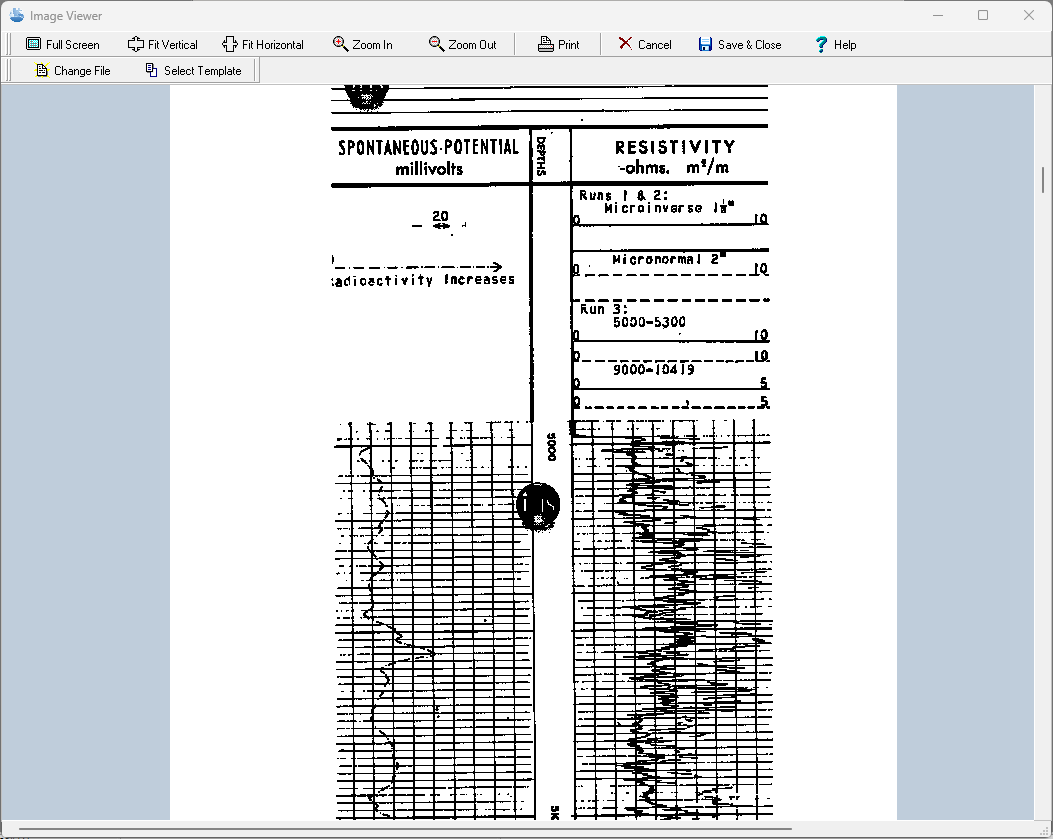
The image can be zoomed in and out using the buttons at the top of the form or by using the left (zoom-in) and right (zoom-out) mouse buttons. The wheel on the mouse can be used to scroll the image up and down.
In addition, the image can be printed, changed, or a template can be selected for the log. If the file is changed a copy of the new file will be placed in the datastore for display purposes. If a template is selected for the log it will be used the next time the log is opened to display and edit the log.