|
<< Click to Display Table of Contents >> Importing DIGGS Other Data Information |
  
|
|
<< Click to Display Table of Contents >> Importing DIGGS Other Data Information |
|
The last step is used to specify what datasets are to be imported. The datasets present in the file are displayed in the table.
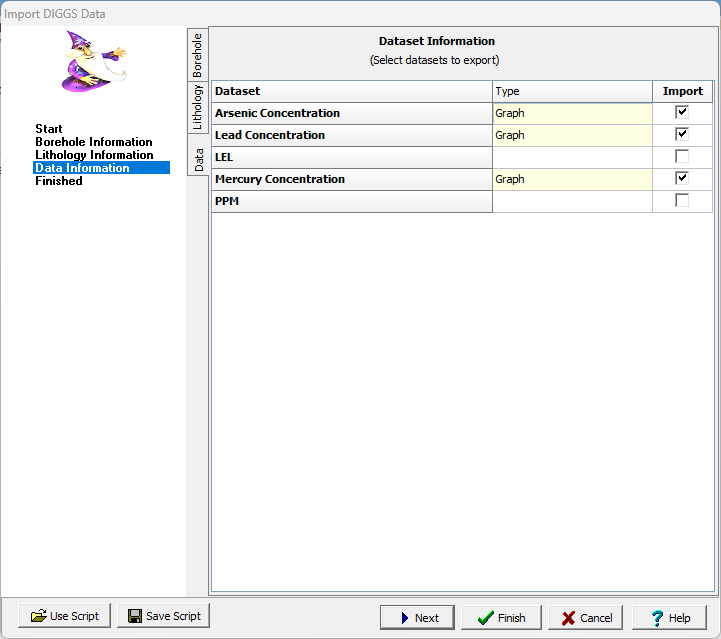
The type of dataset is displayed in the middle of the table. If the dataset is contained in the borehole template the type is shown in yellow. If the dataset is not in the template the type needs to be selected (these datasets will be imported but not displayed on the log).The checkbox on the right is used to determine if the dataset is to be included in the import.
After the information has been entered, press the Finish button to complete the import.