

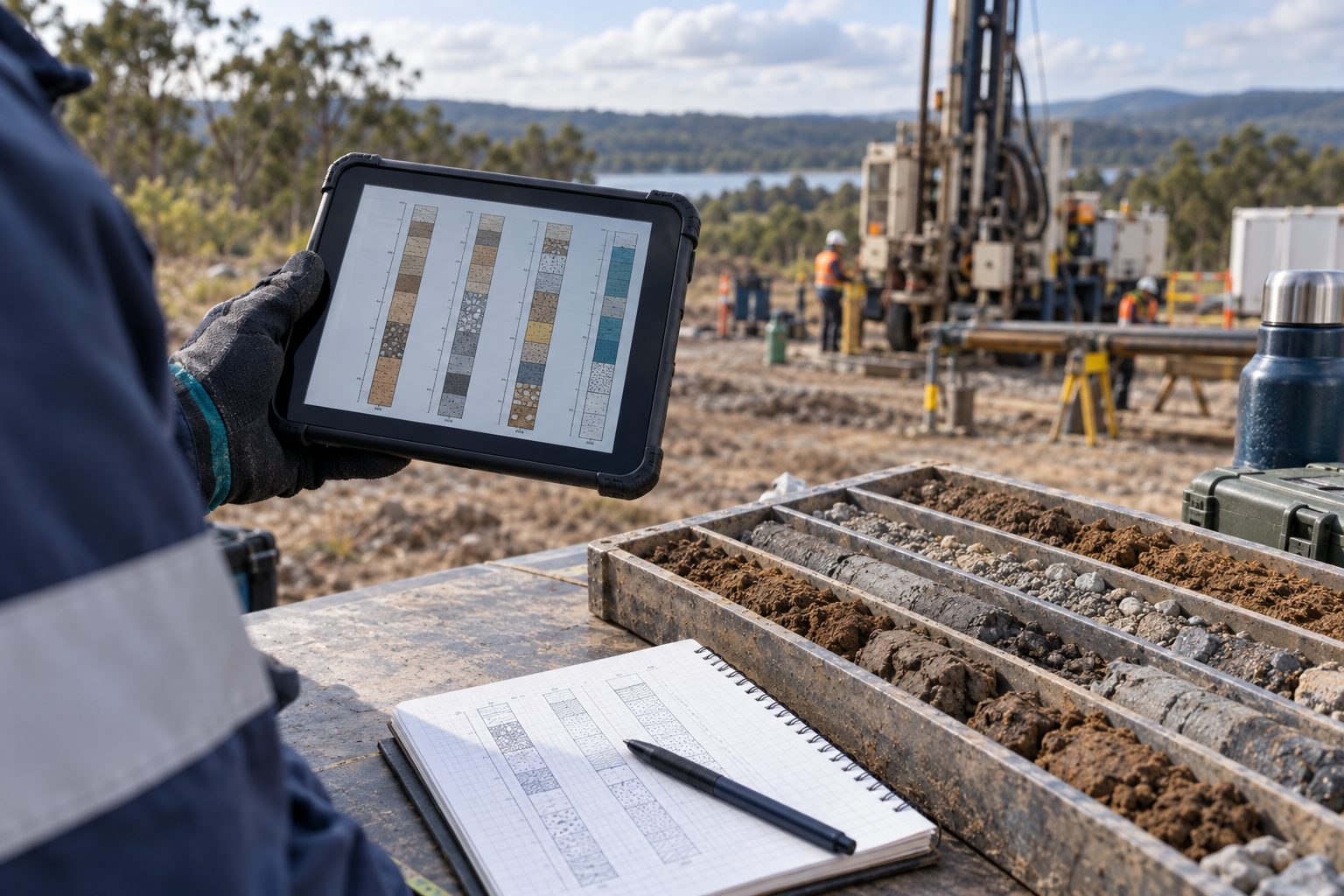
Borehole logging involves much more than drawing a finished log. Field observations must be recorded, sample identifiers maintained, depths checked and information transferred into a consistent deliverable. Time is often lost between those activities: transcribing the same details, interpreting incomplete notes, rebuilding layouts and correcting changes in several files. A digital workflow can reduce that repeated handling when the process is designed around reliable records and clear responsibility.
The practical objective is to reduce avoidable office work while protecting the quality of the observations and the final review. A fixed percentage reduction cannot be promised for every project. Results depend on the current process, site conditions, staff experience, templates and the scope being measured. This guide shows how to evaluate a workflow using WinLoG and appropriate field tools, then measure improvement against an accepted project outcome.
Measure where time actually goes
Begin with a recent investigation that represents your normal work. Follow its records from preparation through field logging, office processing, technical review and final issue. Identify every point where someone retypes a borehole name, depth, sample reference or description. Record why each transfer exists. Some steps provide necessary verification; others remain only because an older report or spreadsheet once required them.
Separate staff effort from elapsed duration. A log may sit in a review queue for two days even though the review itself takes thirty minutes. Software may reduce formatting effort without changing reviewer availability. Record drilling and sampling time separately from office log production, because a change to reporting tools does not automatically accelerate safe field operations. A useful baseline identifies the tasks you intend to improve and the quality checks that must remain.
Agree on a consistent record before mobilization
Decide how projects, boreholes, samples and revisions will be identified. Define the units, depth reference and coordinate information needed by the project. Clarify how staff should record missing information, uncertain contacts, unusual observations and changes to planned borehole locations. Consistency at this stage prevents the office from having to infer meaning later, especially when several crews contribute to the same investigation.
Prepare a short field data guide that fits the actual scope. Use controlled terms where they help comparison, but retain room for observations that cannot be reduced to a standard description. A convenient selection list should never force a geologist to record something untrue. Review the guide with the people who will use it in the field and those who will prepare and approve the deliverables.
Configure and test the log template early
WinLoG provides a dedicated environment for borehole and well logs. Establish the required template before production rather than repeatedly adjusting each finished log. Agree on the columns, scales, symbols, headers and explanatory notes needed by the client. The objective is an approved presentation that can be reused consistently across the project’s records.
Test the template with a shallow hole, a deeper hole spanning pages and an example with lengthy descriptions or closely spaced intervals. Check whether essential information remains readable at the final output size. Confirm how groundwater observations, samples and relevant construction details are represented. A template that looks attractive on one simple example may still fail on the longest or most complicated borehole in the investigation.
Select field capture methods that suit the site
Digital field capture can reduce later transcription when the device, application and data structure suit the work. Evaluate the practical conditions: gloves, rain, screen visibility, battery life, connectivity and the need to record observations quickly. Staff should rehearse the workflow before relying on it during a busy drilling program. Keep a documented contingency method for device failure or conditions that make digital entry impractical.
WinLoG Field Assistant is part of GAEA’s field-to-office offering, but confirm the supported device, version, licensing and transfer method for your proposed deployment. Do not assume every desktop capability is also available in the field application. Test the specific records your crew needs to capture and any supporting photographs or notes that must accompany them. The best capture method preserves the observations reliably and makes the next handoff easier.
Treat transfer as a verified handoff
Describe the movement of records as an exchange process unless your demonstrated configuration supports something more specific. Automatic, continuous synchronization should not be assumed. GAEA’s Field Assistant documentation describes configured data exchange components. Confirm the appropriate supported setup with GAEA and your IT team rather than improvising a connection during production.
After transferring a field package, reconcile the project and borehole identifiers, expected record counts and representative intervals. Check that the correct template and associated codes are available in the receiving environment. Establish who owns the record after office review begins and how later field corrections are communicated. An apparently successful transfer is not sufficient if the team cannot determine which version should be used for the final log.
Check data before polishing its appearance
Perform an initial data review before spending time on presentation. Look for missing identifiers, inconsistent units, depth intervals requiring explanation and mismatches between sample references and field records. Investigate questions while the field team still remembers the observations. Early clarification usually avoids more disruption than correcting the same issue after logs have been inserted into a report and circulated for review.
Use the validation features supported by your installed WinLoG version and the applicable record types. Confirm their scope during the pilot. Automated checks can identify certain inconsistencies, but they cannot establish that a geological description is correct or that every relevant observation was recorded. Review flags as prompts for investigation and document the resolution. Do not treat the absence of a warning as professional approval of the borehole interpretation.
Separate data corrections from display changes
When a reviewer finds an issue, decide whether the source record needs correction or the template needs adjustment. An incorrect interval belongs in the data workflow. A clipped description or unsuitable page break belongs in the presentation workflow. Keeping those categories distinct helps staff fix the underlying cause and reduces the chance of creating a visually acceptable log that still contains incorrect information.
Avoid using exported drawings or PDFs as the only place where corrections are made. Update the authoritative record or approved template as appropriate, regenerate the deliverable and check the affected outputs. If an external annotation must be retained, document it and confirm whether it needs to be reflected in the source. The process should make a later reissue reproducible rather than dependent on remembering a series of manual edits.
Review the issued document as a whole
Consistent templates can reduce repeated formatting, but the final package still needs review. Check project details, borehole order, page numbering, legends, units and the correspondence between text references and appended logs. Inspect the exported file at a realistic reading size. A reviewer should be able to distinguish recorded observations, interpreted information and any limitations that affect how the log is used.
Borehole logging software does not automatically write or approve the entire engineering report. Establish how logs enter the wider reporting process and who verifies that the correct versions were included. If information will be used in a cross-section, database or analytical model, test that separate handoff. Additional mapping, interpretation and checking may be required; do not assume every downstream application accepts the records without preparation.
Use a pilot to calculate realistic savings
Run one representative project through the proposed workflow and record the same activities used in the baseline. Include preparation, field capture, transfer, review, corrections and output production. Keep one-time setup and training visible, even when you report recurring production time separately. Ask staff to note exceptions because they often explain why an apparently efficient process becomes difficult under real project conditions.
For illustration only, suppose a defined office logging task takes twenty staff hours with the current process and fifteen with a tested digital workflow. That is a five-hour reduction, or twenty-five percent of that task’s baseline. These figures are hypothetical, not a GAEA customer result or a product guarantee. They say nothing about drilling duration or the entire investigation unless those activities were included in the measurement. Use your own observed values before forecasting capacity or cost benefits.
Scale through repeatable working practices
After the pilot is accepted, document a short procedure covering setup, capture, transfer, review and issue. Name an owner for templates and shared terminology. Train a second person to complete the workflow so the organization does not rely on one expert. Keep an example project that demonstrates the accepted output and the checks required before delivery. That reference is useful when new staff or client requirements are introduced.
Roll out the process in manageable stages and review early projects for recurring problems. Track clarification requests, correction cycles and time spent repairing presentation. If gains disappear, investigate the cause before imposing a new target. The issue may be an unsuitable template, inconsistent identifiers or an untested transfer path. Improving those specific weaknesses is more useful than asking staff to work faster with an unreliable process.
Preserve a recoverable project record
Retain the information needed to understand and reproduce the deliverable, including source observations, accepted data, relevant templates and issued outputs. Follow the organization’s backup and retention procedures, and test recovery in a controlled environment. Exporting a PDF is useful for preserving the issued appearance, but it does not necessarily preserve editable data, supporting files or the settings needed for a later revision.
Document what changed when a log is reissued and make the replacement clear to recipients. A project that can be reopened and explained months later is a stronger outcome than one that was merely produced quickly. Reliable preservation also reduces the repeated investigation of old decisions when the same site returns for a later phase of work.
Start with one accepted end-to-end example
Bring GAEA a representative field record, an approved log and a description of the task that currently consumes the most time. Ask to follow that example through capture, exchange, checking, formatting and output in the proposed software configuration. Include a deliberate correction so the demonstration shows how revisions are handled, not only how an ideal record is displayed.
Use the demonstration to agree on pilot acceptance criteria and an achievable implementation sequence. Digital workflows can reduce duplicate handling and repetitive formatting, but the size of the improvement must be measured in your environment. The durable benefit is a process in which staff know where records belong, reviewers can resolve questions efficiently and the final borehole logs remain clear, traceable and technically accountable.