

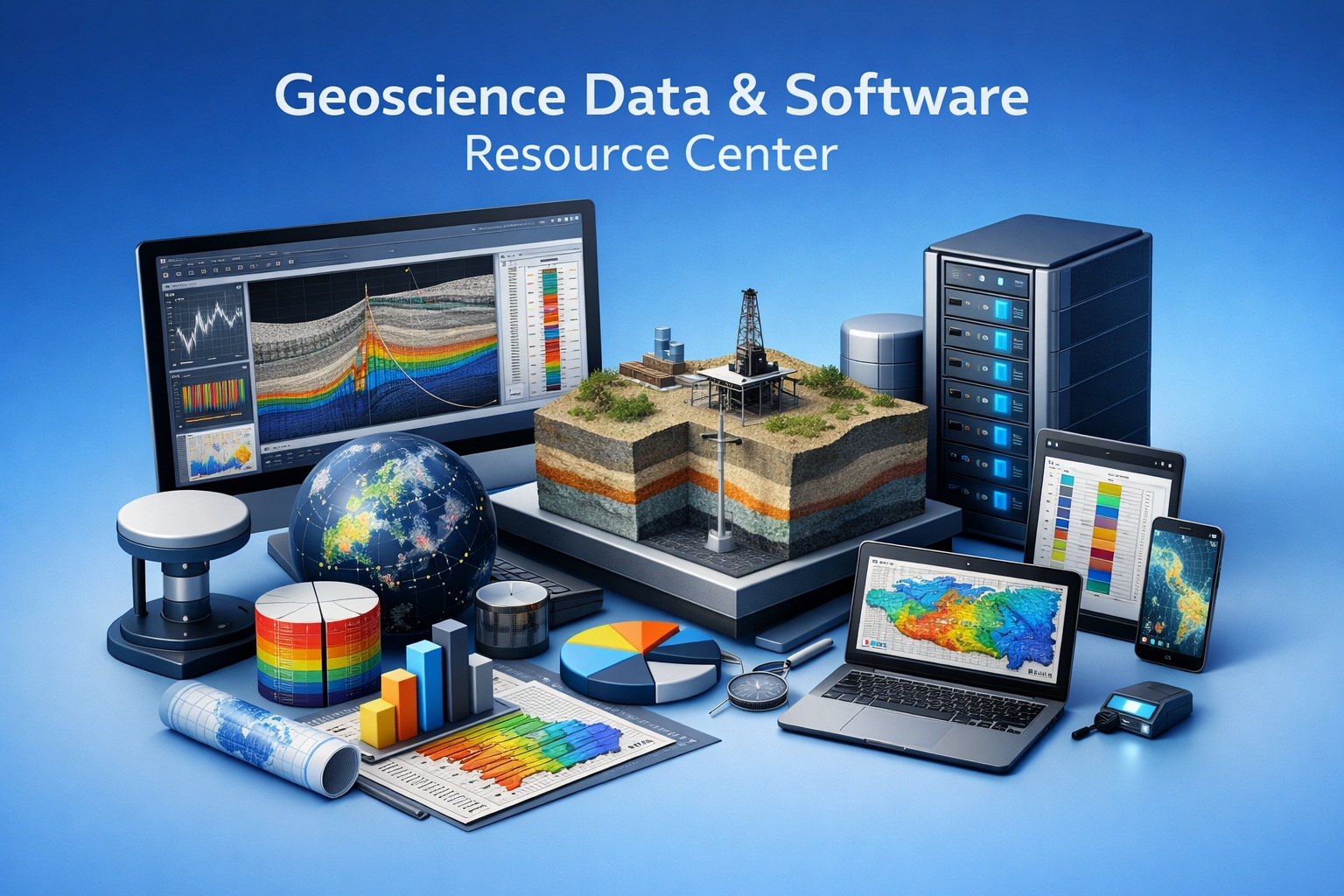
Welcome to your centralized hub for geotechnical and environmental knowledge. Explore expert guides, workflows, and best practices.
Start with the topic that matches your workflow challenge.
Borehole Data Solutions

Efficiently capture, store, and manage borehole logs, stratigraphy, and field observations in a centralized database.
Geotechnical Data Management

Explore best practices for managing geotechnical data across the full project lifecycle—from field collection to analysis and reporting.
Environmental Data Management

Learn how to integrate laboratory results, field data, and regulatory requirements into a single, streamlined system.
Sub-surface Visualization

Transform complex subsurface data into clear, visual models that improve interpretation, communication, and decision-making.
GaeaSynergy Platform

Dive into the capabilities of the GaeaSynergy Platform, including centralized databases, integration tools, and reporting automation.
Environmental Site Assessment Automation

Discover how automation reduces manual effort in environmental site assessments, improves consistency, and accelerates reporting timelines.
Contaminant Transport Modeling

Understand how contaminant plumes move through soil and groundwater, and how modeling tools support risk assessment and remediation planning.
Geoscience Data Digitization

Geoscience data digitization is the foundation of modern subsurface intelligence. Across oil & gas, mining, environmental, and infrastructure projects, vast amounts of critical data remain locked in legacy formats.
Frequently Asked Questions

Find answers to common questions about licensing, deployment, workflows, integrations, and more.
Training and Tutorials

Access step-by-step tutorials, onboarding materials, and best practices to help your team get the most out of your software tools.
Security and Governance

Learn how to manage user access, maintain data integrity, and ensure compliance with regulatory and organizational standards.
Borehole QA/QC
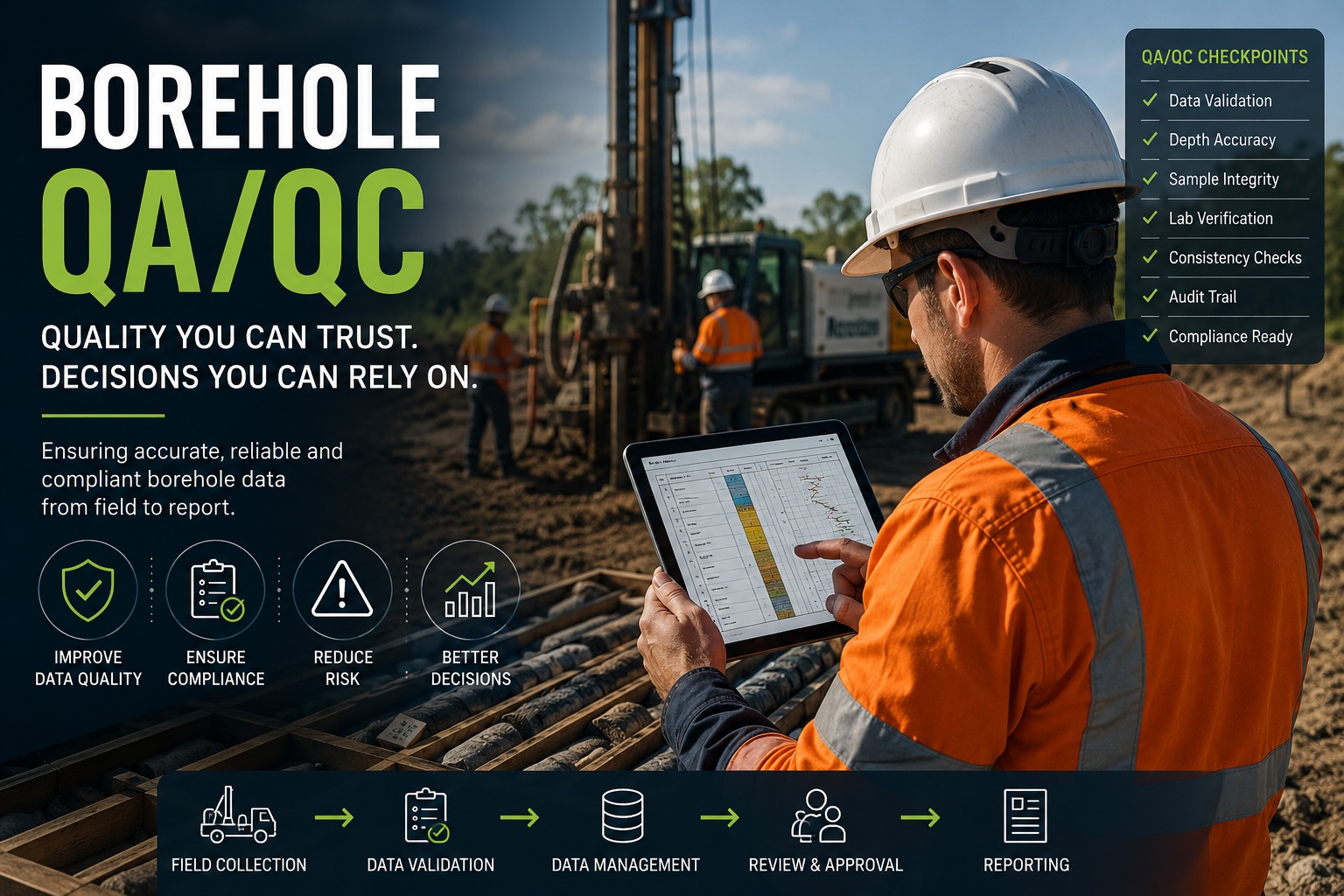
Build accurate, consistent, traceable, and technically defensible borehole data with practical guidance on validation, review, governance, standards, and discipline-specific QA/QC.
Latest Posts
- What to Preserve When Migrating Historical Borehole ProjectsHistorical borehole projects are valuable because they connect observations to a particular place, depth, investigation, and method. When those projects move into a new system, preserving a list of boreholes and their final logs is only the beginning. The relationships and context behind the records determine how confidently the information can be reused. Migrating historical… Read more: What to Preserve When Migrating Historical Borehole Projects
- AGS, DIGGS and Structured Data Exchange in Geotechnical WorkflowsGeotechnical information often moves between field teams, laboratories, consultants, clients, and software platforms. When each handover uses a different spreadsheet layout or a report that must be re-entered, teams spend time reconstructing structure and checking meaning. Structured geotechnical data exchange gives that handover an agreed framework. AGS and DIGGS are two important approaches to exchanging… Read more: AGS, DIGGS and Structured Data Exchange in Geotechnical Workflows
- Introducing the GAEA Migration Center: A Practical Path from Legacy Geotechnical DataFor many geotechnical, environmental, geological, and infrastructure organizations, the challenge of modernizing software is not choosing a new system. It is deciding what to do with decades of existing data. Borehole logs, laboratory results, project databases, templates, geological descriptions, monitoring records, and historical investigations may be spread across legacy applications, local databases, spreadsheets, government systems,… Read more: Introducing the GAEA Migration Center: A Practical Path from Legacy Geotechnical Data
- GAEA Software Development Roadmap: Building the Next Generation of Geoscience Data WorkflowsGeoscience and engineering organizations are managing more information than ever before. Borehole and well logs, laboratory results, environmental data, legacy databases, scanned field records, maps, cross-sections, photographs, regulatory information and project documents all need to remain usable long after the original investigation has been completed. At the same time, many organizations are facing another challenge:… Read more: GAEA Software Development Roadmap: Building the Next Generation of Geoscience Data Workflows
- Introducing WinLoG Validation & QA/QC—Included in WinLoG 10 at No Additional CostGAEA Technologies is pleased to announce the release of WinLoG Validation & QA/QC, included in WinLoG version 10 at no additional cost, bringing automated data-quality checks to borehole and well logging workflows. Reliable logs depend on reliable underlying data. Missing sample identifiers, inconsistent measurements, and conflicting observations can be difficult to spot during routine review.… Read more: Introducing WinLoG Validation & QA/QC—Included in WinLoG 10 at No Additional Cost
News Releases
-
New E-ASR Software Released
November 2022: GAEA is proud to announce the release of our E-ASR (Environmental Automated Standardized Reporting) software. This software has been more than 3 years in development and is a significant upgrade for our Pocket ESA software. E-ASR has been designed to minimize the amount of time required to generate standard Environmental Site Assessment reports…
-
POLLUTE version 8 Released
September 2021: GAEA Technologies is very happy to announce the release of POLLUTE version 8.This is a significant upgrade to version 7 of POLLUTE and has a new much more intuitive user interface and many other new features as described below.
-
Geotechnical Data Management System Released
July 2019: GAEA Technologies is very happy to announce the release of the GDMS (Geotechnical Data Management System) module of GaeaSynergy. GDMS integrates geotechnical testing and quality control with a laboratory information management system. It is used to perform a wide variety of geotechnical tests and store the data and results in a managed database.…
-
SE-Map is Now Free
June 2019: The SE-Map component for mapping and gridding is now free in version 4 of GaeaSynergy. This component can grid and contour many types if data from borings, wells, cross-sections, samples, lab analyses and geotechnical test results. After the data has been entered in these optional modules it can be automatically extracted and used…
-
StrataExplorer renamed to GaeaSynergy
May 2019: In version 4, StrataExplorer was renamed to GaeaSynergy to better reflect the purpose and benefits of the base application. GaeaSynergy is an application suite for geoscientific analyses, mapping, data display and data management. It uses the synergy within the geoscientific data to effectively and efficiently fulfill the needs of several industries. The program…
-
Buildings and Structures Module Now Free
February 2017: In version 3.13 we have made the Buildings and Structures module free. You will no longer need a license to use this module. This module of StrataExplorer is used to create simplified buildings, structures, and excavations for display in 3D. After they have been created these buildings and excavations can be used to…
Our Story
Not sure where to start? Explore the GaeaSynergy Platform or contact us for guidance.