

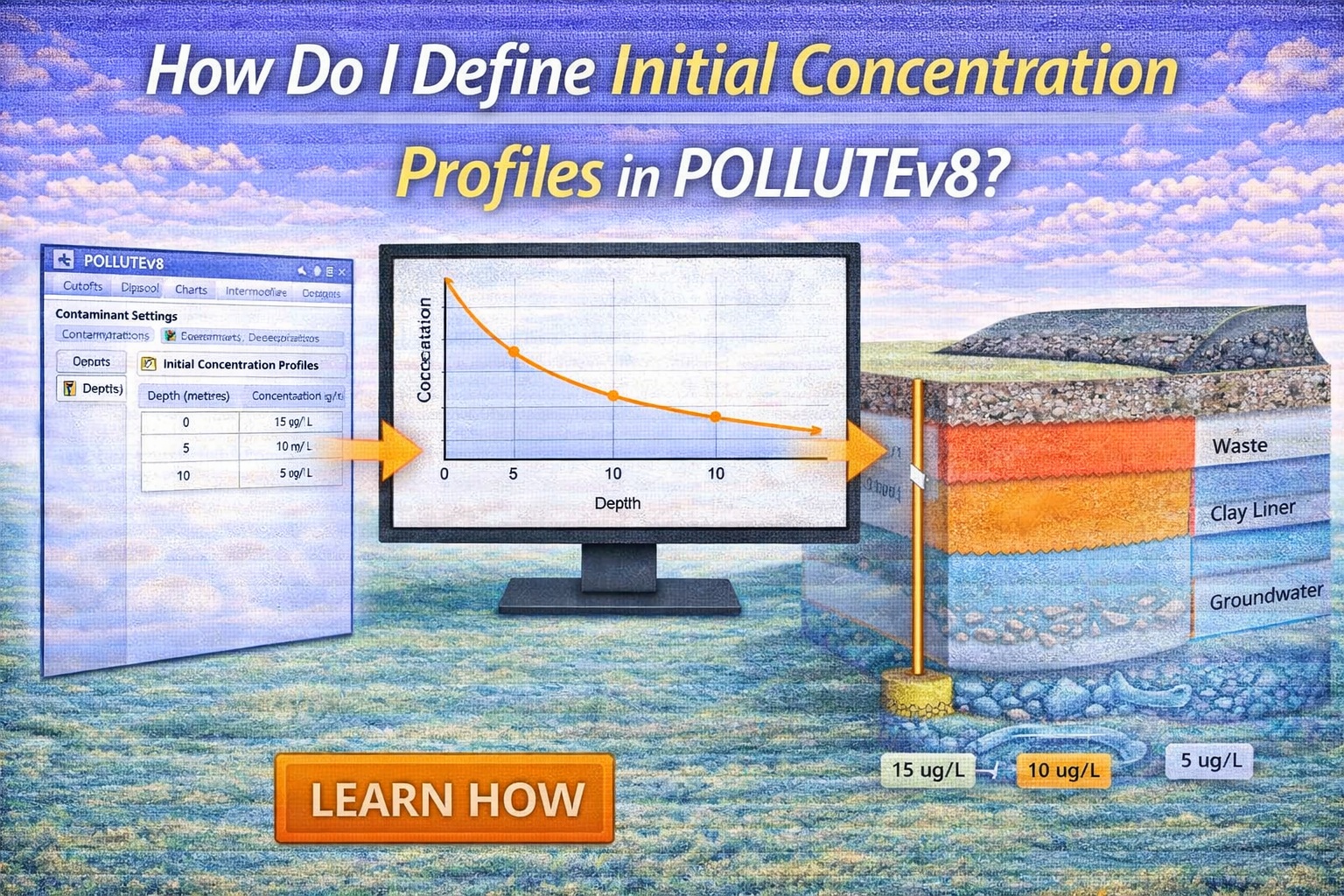
When modeling contaminant transport, we often assume a “clean” site at the start of the model. However, real-world engineering—such as remediating a brownfield or assessing an aging landfill—requires us to account for existing contamination.
In GAEA Technologies POLLUTEv10, the “Initial Concentration Profile” feature allows you to specify a non-zero distribution of contaminants throughout your soil layers before the simulation begins.
Note: If any of the layers have fractures, this option cannot be used.
Entering the Initial Concentration Data
Once you have defined your project layers and properties, navigate to the Initial Concentration section on the Special Features tab. In this section you can specify the start time and the flux into the soil and base (these are all usually zero).
Choose Your Input Method and Enter Concentrations
POLLUTEv10 provides flexibility in how you define the initial concentration profile, it can either be specified over depth intervals or for each sublayer defined on the Layers tab. For example, if there were only two different zones with different initial concentrations, then it would be best to specify the profile over these depth intervals. However, if the deposit had a continuously changing initial concentration profile with depth, then it would be better to specify the concentration for each sublayer.
.In addition if the Print Mass into the Base special feature is selected, the can also specify the mass into the soil and base at the start time.
Warning: If using this option it is a good idea to specify a thin layer between zones where there are significant differences between initial concentration (e.g. between the soil and a top or bottom reservoir in a diffusion test).
After running the model, check the concentration versus depth graph to:
- Check for “sharp” jumps that might indicate a data entry error.
- Ensure the peak concentration aligns with your historical site boreholes.
Why This Matters for Your Model
By accurately defining the initial state, you avoid underestimating the time it takes for a plume to reach a critical receptor (like an aquifer). It shifts the governing 1D advection-dispersion equation from:
to:
Where
f(z) represents your custom profile.
Summary
Using initial concentration profiles in POLLUTEv10 is essential for modeling existing site contamination. By selecting the “Initial Concentration” option under the Model menu, users can manually input depth-specific data or use linear interpolation to reflect real-world field conditions. This ensures the 1D transport analysis starts from an accurate baseline rather than a theoretical zero-state.