

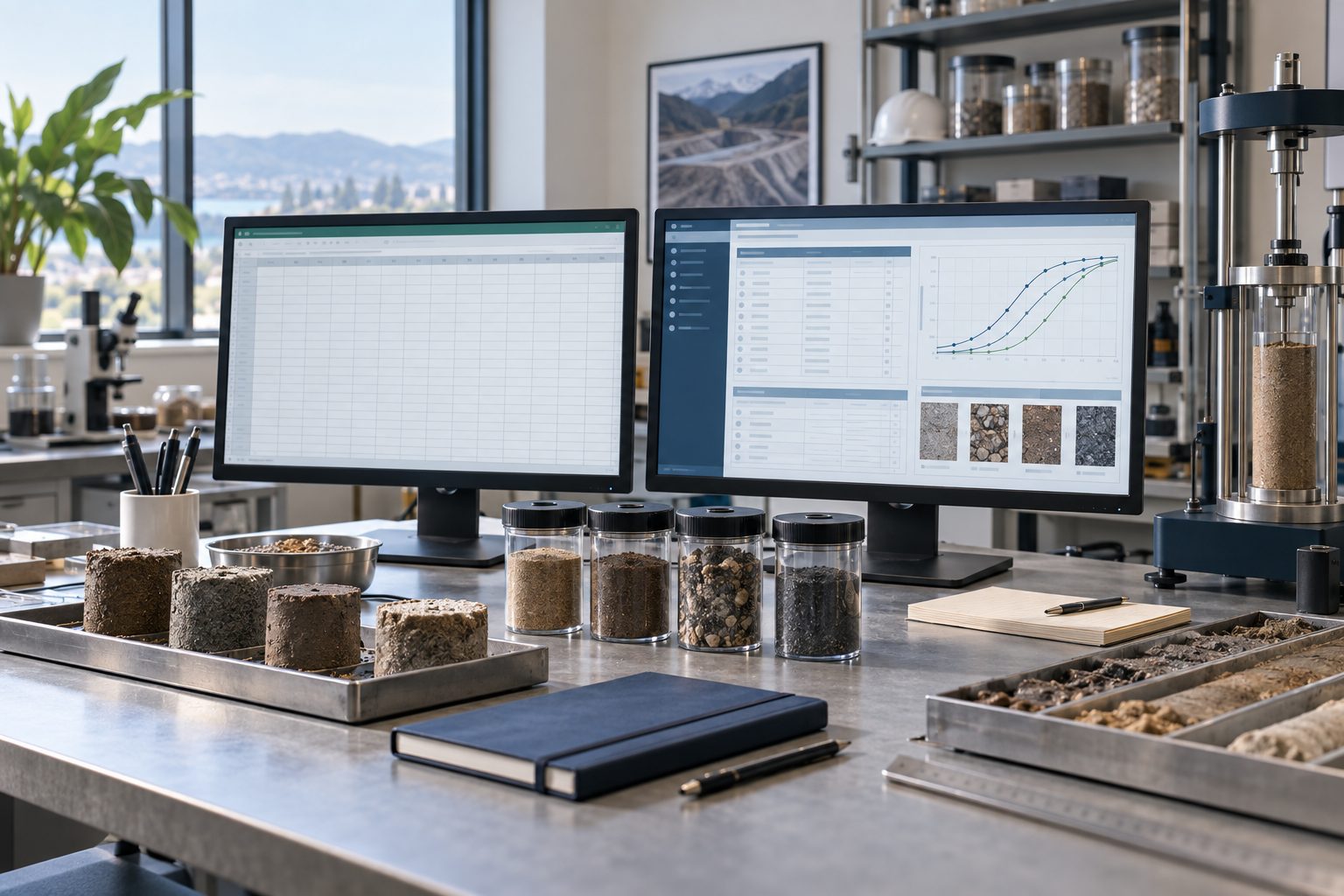
Spreadsheets are familiar, flexible and useful throughout geotechnical work. A well-designed workbook can support calculations, organize a small investigation and help an experienced professional explore results. The challenge appears when that workbook becomes the unofficial database, reporting system and review record for a growing laboratory or consulting organization. At that point, the team needs to evaluate the complete workflow, including what happens when people, templates and project requirements change.
Comparing Excel with GDMS starts with a clear definition of the work. GDMS is GAEA’s geotechnical laboratory data management module, focused on supported laboratory tests, measurements, calculations and reporting. Other GAEA modules address borehole logs, environmental analytical data and subsurface visualization. Choosing the right combination requires understanding those boundaries. This guide explains where spreadsheets remain useful, where a structured laboratory workflow can help and how to test the business case with your own projects.
Where spreadsheets work well
Excel is a reasonable choice for bounded tasks with an accountable owner, documented assumptions and a manageable review process. Examples include an exploratory calculation, a temporary comparison of test results or a client-specific summary derived from an approved dataset. Tables, formulas, data validation, protected cells and query tools can all improve consistency when they are designed and maintained carefully. Spreadsheet software is not inherently incapable of quality control.
A small team may also have thoroughly tested workbooks that suit its methods and reporting obligations. Replacing them without understanding their logic can introduce unnecessary disruption. Begin by identifying which workbooks perform calculations, which store original observations and which simply present results. The same file may currently serve all three purposes, but those responsibilities need different controls. Preserve useful calculation knowledge even if the main system of record changes.
Recognize when the workflow has outgrown individual files
The strongest warning signs are operational. Staff repeatedly copy sample details between files, reviewers cannot identify the approved version and report corrections must be repeated in several places. New employees depend on undocumented instructions from the workbook’s creator. A result can be traced to a final PDF but not easily to the measurements, method or calculation version that produced it. These are reasons to examine the process, regardless of the software involved.
Volume increases the burden, but file size alone is a poor selection criterion. A modest laboratory with many test types, clients and revisions may need stronger controls than a larger team performing one consistent task. Count handoffs, exceptions and duplicated records as well as samples. When a routine correction requires searching multiple folders or asking several people which value is authoritative, the problem is data ownership and traceability as much as computing capacity.
Understand the specific role of GDMS
GAEA describes GDMS as supporting geotechnical laboratory work across soil, aggregate, concrete, asphalt and rock testing. Its role includes supported test measurements, calculations, curves and reports. Evaluate the exact tests and deliverables your laboratory uses against the current product documentation and a demonstration. Similar test names do not establish that every method variant, standard edition or client requirement is covered.
A structured laboratory application can reduce the need to reconstruct the same sample and test context in separate workbooks. That benefit depends on configuration, staff practices and the supported workflow. Software does not automatically establish laboratory accreditation, approve a test method or determine whether a specimen was suitable. Your laboratory remains responsible for method selection, equipment control, measurement quality, competent review and the meaning of the issued result.
Choose other modules for other data responsibilities
A geotechnical project often contains several related kinds of information. WinLoG addresses borehole and well logging. EDMS addresses environmental data workflows, including samples and analytical results. WinFence supports geological cross-section and fence-diagram work. GaeaSynergy provides the platform context for GAEA’s modules. Confirm licensing, deployment and exchange requirements for your proposed configuration.
Do not assume that purchasing GDMS alone replaces every spreadsheet used by an environmental or geotechnical consultancy. An environmental chemistry table is a different problem from a soil test calculation, and a borehole log is a different deliverable from a laboratory report. Create a simple responsibility map showing where each record is created, reviewed and retained. Where data moves between applications, verify the transfer format and reconciliation procedure with a representative example.
Compare quality controls fairly
A spreadsheet can flag missing cells, restrict entries and protect formulas. Those controls may be effective, but they require deliberate design, testing and maintenance. Ask who can change a formula, how the change is approved and how the team prevents an older template from returning to use. Also consider whether pasted values, renamed sheets or copied ranges can bypass the intended checks. Review the actual workbook instead of assuming either complete reliability or inevitable failure.
Apply the same scrutiny to a dedicated application. Demonstrate what happens with missing measurements, unexpected units, duplicate sample identifiers and amended results. Determine which checks are built in, which require configuration and which remain procedural. No software provides a credible guarantee of zero errors. A useful workflow makes problems easier to recognize, investigate and resolve while preserving responsibility for the final technical decision.
Preserve identity, units and source measurements
Start with a consistent relationship between the project, sampling location, specimen and test. A laboratory identifier may differ from the field sample name or client identifier; the workflow should preserve the relationships required to interpret the result. Avoid using a convenient display label as the only source of identity. Record sampling depth or interval where relevant, and retain the original designation when a record is renamed during cleanup.
Units and basis are equally important. A number copied correctly can still be misleading if its unit, preparation condition or calculation basis is lost. Preserve original measurements separately from calculated results and final report values. When conversions or corrections are necessary, document the rule and reviewer. For historical records, distinguish known information from assumptions or missing context. A cleaner-looking table should never conceal uncertainty in the source material.
Review calculations and reports together
A successful evaluation must examine more than a familiar-looking curve or PDF. Use independently checked examples to compare input measurements, intermediate calculations, rounding and reported results. Include an ordinary case and at least one case that challenges the workflow, such as incomplete measurements or a specimen requiring an explanatory qualification. Record whether any discrepancy comes from the source data, method interpretation, configuration or presentation.
Then review the report as the client will receive it. Check project and sample references, test descriptions, units, notes, page breaks and the information needed to understand limitations. A correct calculation with the wrong sample label is still an unacceptable deliverable. Establish who approves templates and who approves individual results. Reusable formatting can reduce repetitive work, but professional review remains part of every issued report.
Plan migration as a controlled pilot
Do not move the entire workbook archive before proving the new process. Select one representative project with accessible source records and a reviewer who understands the current workflow. Inventory the files, identify the authoritative versions and decide what must remain searchable or editable. Separate active test data from historical PDFs and supporting documents. Different materials may need different preservation strategies rather than one universal import.
Agree on field mappings and acceptance criteria before transferring data. Compare record counts and a meaningful sample of individual measurements, identifiers and results. Log rejected or ambiguous records for resolution instead of silently omitting them. Confirm that retained supporting files can still be located. Migration is complete when staff can retrieve and explain the accepted project, not merely when the import finishes without an error message.
Calculate benefits from observed work
Measure the existing process across data entry, checking, calculation, formatting and corrections. Distinguish active staff time from elapsed waiting time. During the pilot, use the same task boundaries and comparable projects. Record setup, training and review effort alongside routine production time. Otherwise, the comparison may reward one workflow simply because difficult work was excluded from its total.
For illustration only, suppose a repeatable reporting task currently takes twelve staff hours and a tested alternative takes nine. The observed difference is three hours for that task, before considering implementation and ongoing costs. It is not a forecast for every project or a documented GDMS customer result. Multiply measured savings by a realistic recurring volume, then include licenses, training, administration and exceptions. Report reduced rework separately if you have evidence for it, avoiding double counting.
Keep spreadsheets where they add value
Moving the primary laboratory workflow into a structured system does not require banning spreadsheets. They may remain useful for temporary analysis or a requested client view. The important distinction is whether an exported workbook is a working copy or an approved record. Label its origin and extraction date, control any subsequent changes and specify how corrections return to the authoritative dataset.
Avoid building a second unofficial database through repeated exports. If a recurring spreadsheet task becomes essential, review whether it belongs in an approved report configuration, a documented exchange process or a separate controlled analysis. Assign an owner and test it after relevant changes. The aim is a dependable relationship between tools, with clear responsibilities and fewer undocumented transformations.
Make the decision around an accepted workflow
The right choice is the one your team can operate, review and maintain reliably. A small, controlled workbook may remain appropriate. A growing laboratory with repeated handoffs and reporting demands may benefit from GDMS and a clearer system of record. Broader consulting work may require WinLoG, EDMS or WinFence as well. Evaluate those needs separately before assembling the final configuration.
Bring GAEA a representative workbook, a supported test requirement, an accepted report and a description of your current bottleneck. Ask for a demonstration that follows the complete path from original measurement to reviewed deliverable, including a correction. Use the outcome to define a pilot and measurable acceptance criteria. That produces a defensible software decision based on your laboratory’s work rather than a blanket claim that one tool always fails or another eliminates every risk.