

October 30, 2026
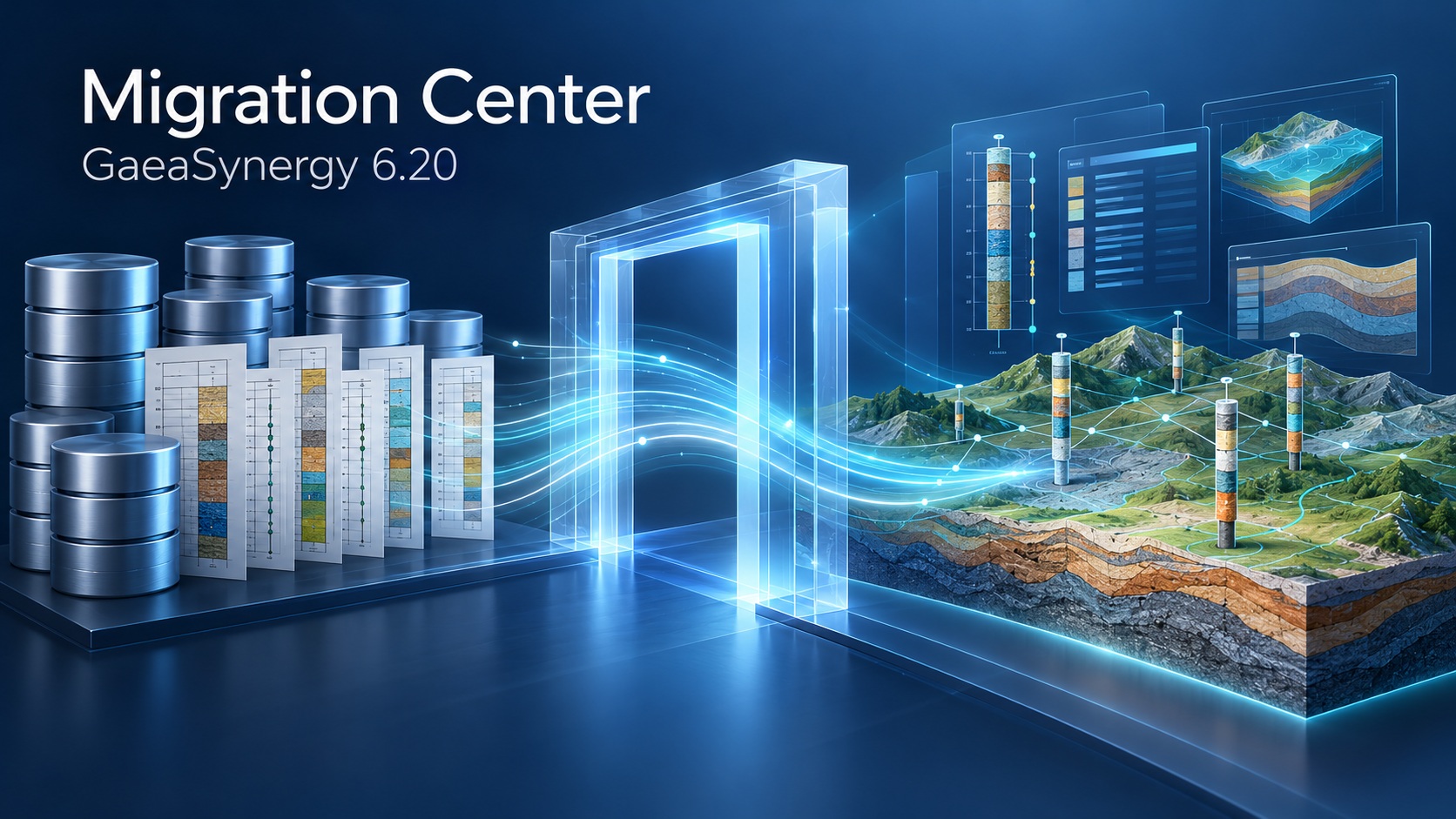
GAEA Technologies has released the Migration Center in GaeaSynergy 6.20, giving organizations a central starting point for moving supported gINT, legacy GAEA and external project data into current GaeaSynergy workflows.
Launched October 29, 2026, the Migration Center is included free with GaeaSynergy 6, with no separate Migration Center purchase.
Bring Existing Project Data Forward
Historical borehole and well records hold valuable project knowledge. Moving that information into a current system requires careful attention to data structures, field mappings, units, identifiers and the outputs that engineers and geoscientists rely on.
The Migration Center brings supported migration routes together to help teams identify an appropriate starting point, test representative projects and review converted information before accepting it for production use.
A Practical Path from gINT
For organizations moving from gINT, the Migration Center supports guided workflows for selected project databases, project lists and template-related information.
A representative pilot helps teams evaluate:
- Source tables, custom fields and destination mappings
- Units, coded values and project identifiers
- WinLoG templates and representative log outputs
- Unsupported or unmapped content requiring further attention
Coverage depends on the source database and target workflow. Custom reports, symbols, attachments and schema extensions may require separate assessment, mapping or recreation. Importing project data does not guarantee an identical reproduction of a gINT report layout.
Migration Routes in the Launch Release
The initial release brings together workflows for:
- Supported gINT projects: Guided project import, project lists and template-related information
- GaeaSynergy 4 and 5: Migration of individual projects or project lists into GaeaSynergy 6
- Legacy WinLoG projects: Applicable upgrade and import routes for supported projects, logs and templates
- AGS and DIGGS: Structured project import and export workflows
- Government well information: Import of supported source datasets into projects
Excel, CSV, XML and other database sources may be suitable for configured imports or scoped conversion. Exact coverage should be confirmed against the source version, schema and destination module.
Start with a Representative Project
A successful import is the beginning of review. Before migrating an entire archive, retain source backups and test a representative subset.
Compare record counts, identifiers, depths, intervals, units, coordinates and key values. Inspect sample logs and document material differences or exceptions. Where applicable, use WinLoG Validation & QA/QC alongside source comparisons to identify issues requiring technical review.
The project owner should approve the mappings, exceptions and representative outputs before the migrated dataset becomes the production record.
What Is Planned for Stage 2?
The following capabilities are planned for Stage 2 and are not included in the initial Migration Center release:
- OCR-assisted extraction from scanned and PDF borehole logs
- LAS import and project creation
- GDMS and gINT laboratory data import and export
These planned capabilities are separate from the released project-migration workflows. Scope and timing remain subject to development.
Included Free with GaeaSynergy 6
The Migration Center is included free with GaeaSynergy 6. Assisted migration, custom conversion, template recreation and training can be discussed separately with GAEA to define the appropriate scope.
Existing users can review software updates or contact GAEA to confirm the appropriate GaeaSynergy 6.20 update.
Plan Your Migration
Begin with the source software and version, approximate project counts, representative database structures, templates and example reports. Contact GAEA to discuss the migration route and agree on a suitable method for sharing sample files.
Explore the Migration Center · Review Import & Export Capabilities · Contact GAEA
October 30, 2026
GAEA Technologies has released the Migration Center in GaeaSynergy 6.20, giving organizations a central starting point for moving supported gINT, legacy GAEA and external project data into current GaeaSynergy workflows.
Launched October 29, 2026, the Migration Center is included free with GaeaSynergy 6, with no separate Migration Center purchase.
Bring Existing Project Data Forward
Historical borehole and well records hold valuable project knowledge. Moving that information into a current system requires careful attention to data structures, field mappings, units, identifiers and the outputs that engineers and geoscientists rely on.
The Migration Center brings supported migration routes together to help teams identify an appropriate starting point, test representative projects and review converted information before accepting it for production use.
A Practical Path from gINT
For organizations moving from gINT, the Migration Center supports guided workflows for selected project databases, project lists and template-related information.
A representative pilot helps teams evaluate:
- Source tables, custom fields and destination mappings
- Units, coded values and project identifiers
- WinLoG templates and representative log outputs
- Unsupported or unmapped content requiring further attention
Coverage depends on the source database and target workflow. Custom reports, symbols, attachments and schema extensions may require separate assessment, mapping or recreation. Importing project data does not guarantee an identical reproduction of a gINT report layout.
Migration Routes in the Launch Release
The initial release brings together workflows for:
- Supported gINT projects: Guided project import, project lists and template-related information
- GaeaSynergy 4 and 5: Migration of individual projects or project lists into GaeaSynergy 6
- Legacy WinLoG projects: Applicable upgrade and import routes for supported projects, logs and templates
- AGS and DIGGS: Structured project import and export workflows
- Government well information: Import of supported source datasets into projects
Excel, CSV, XML and other database sources may be suitable for configured imports or scoped conversion. Exact coverage should be confirmed against the source version, schema and destination module.
Start with a Representative Project
A successful import is the beginning of review. Before migrating an entire archive, retain source backups and test a representative subset.
Compare record counts, identifiers, depths, intervals, units, coordinates and key values. Inspect sample logs and document material differences or exceptions. Where applicable, use WinLoG Validation & QA/QC alongside source comparisons to identify issues requiring technical review.
The project owner should approve the mappings, exceptions and representative outputs before the migrated dataset becomes the production record.
What Is Planned for Stage 2?
The following capabilities are planned for Stage 2 and are not included in the initial Migration Center release:
- OCR-assisted extraction from scanned and PDF borehole logs
- LAS import and project creation
- GDMS and gINT laboratory data import and export
These planned capabilities are separate from the released project-migration workflows. Scope and timing remain subject to development.
Included Free with GaeaSynergy 6
The Migration Center is included free with GaeaSynergy 6. Assisted migration, custom conversion, template recreation and training can be discussed separately with GAEA to define the appropriate scope.
Existing users can review software updates or contact GAEA to confirm the appropriate GaeaSynergy 6.20 update.
Plan Your Migration
Begin with the source software and version, approximate project counts, representative database structures, templates and example reports. Contact GAEA to discuss the migration route and agree on a suitable method for sharing sample files.
Explore the Migration Center · Review Import & Export Capabilities · Contact GAEA