

Introduction
Choosing the right borehole logging and geotechnical data management software can have a significant impact on your productivity, data quality, and project turnaround time. For decades, gINT has been a widely used industry tool, while WinLoG has emerged as a modern, flexible alternative designed to streamline workflows and reduce complexity.
If you’re evaluating your options—or considering switching—this guide provides a complete, unbiased comparison of WinLoG vs gINT, covering features, usability, workflows, pricing models, and real-world use cases.
By the end of this article, you’ll have a clear understanding of which solution is best suited to your organization.
What Are WinLoG and gINT?
What is WinLoG?
WinLoG is a borehole logging and geotechnical data management software designed to simplify the creation, management, and visualization of subsurface data. It is part of the broader GaeaSynergy platform, enabling integration with tools for cross-sections, reporting, and environmental workflows.
Key focus:
- Simplicity and usability
- Flexible templates
- Integrated workflows (field to office)
- Strong data visualization capabilities
What is gINT?
gINT, originally developed by Bentley Systems, has long been a standard in geotechnical data management. It offers powerful database capabilities and highly customizable reporting features.
Key focus:
- Advanced database structure
- Highly customizable reports
- Established legacy workflows
However, many users find gINT complex, difficult to maintain, and increasingly outdated compared to newer solutions.
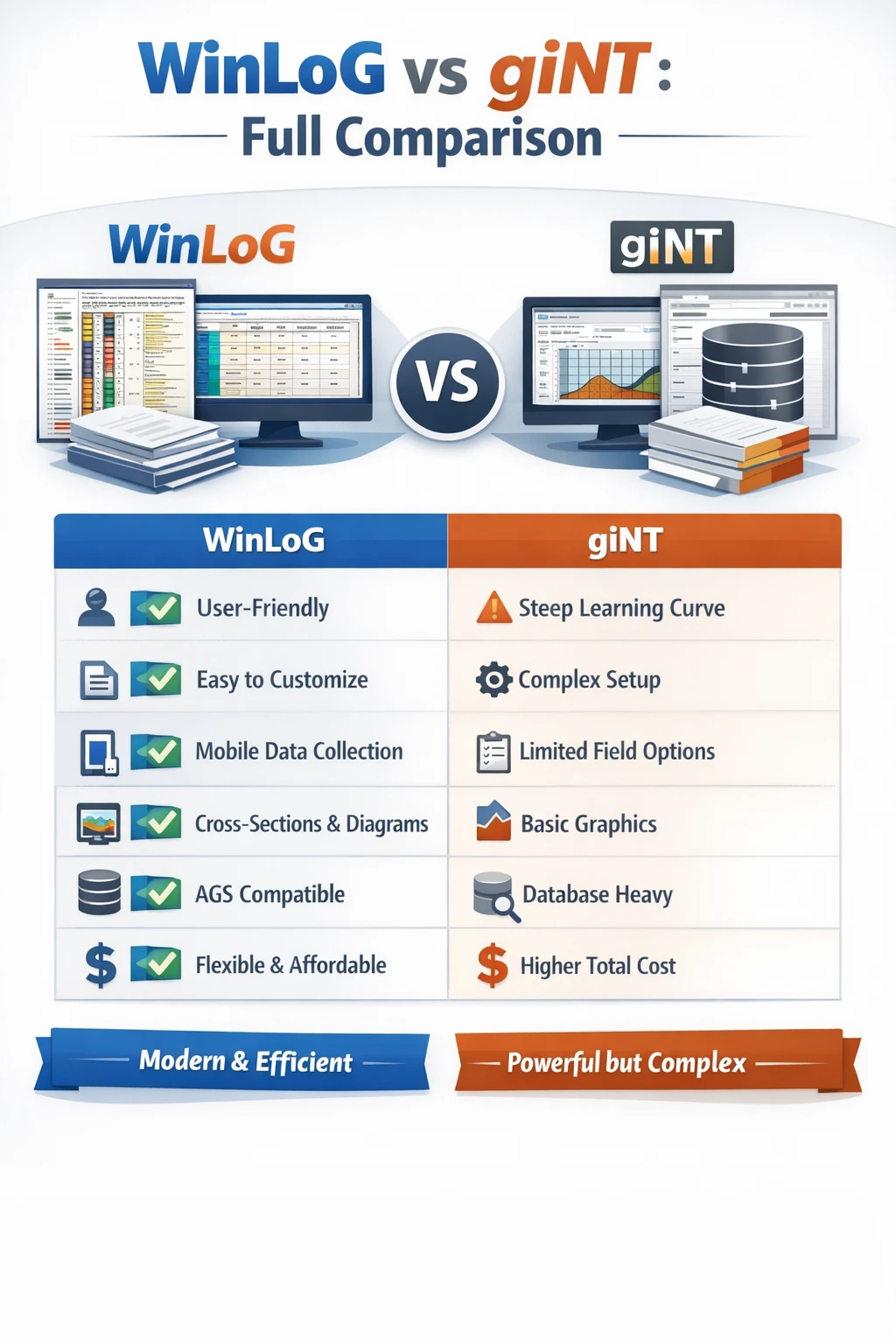
Quick Comparison Overview
| Feature | WinLoG | gINT |
|---|---|---|
| Ease of Use | ⭐⭐⭐⭐⭐ | ⭐⭐ |
| Setup Time | Fast | Complex |
| Template Customization | Easy | Advanced but difficult |
| Data Management | Integrated | Database-heavy |
| Visualization | Strong (with WinFence) | Limited |
| Field Integration | Yes (Field Assistant) | Limited |
| Learning Curve | Low | High |
| Pricing Model | Flexible | Often higher total cost |
| Modern Workflow | Yes | Legacy-oriented |
Ease of Use and Learning Curve
WinLoG: Built for Simplicity
One of WinLoG’s biggest advantages is how quickly new users can become productive.
- Intuitive interface
- Minimal setup required
- Templates are easy to modify
- Logical workflow from data entry to output
Most users can begin creating logs within hours—not days.
gINT: Powerful but Complex
gINT is known for its flexibility—but that flexibility comes at a cost.
- Steep learning curve
- Complex database structure
- Requires training to use effectively
- Small changes can be time-consuming
For many teams, gINT becomes dependent on a single “power user,” which creates bottlenecks.
Data Management Approach
WinLoG: Structured but Flexible
WinLoG uses a streamlined data model that focuses on usability without sacrificing capability.
- Data is easy to enter and edit
- Templates control layout and formatting
- Works seamlessly with network databases
- Supports AGS and other data formats
It strikes a balance between structure and flexibility.
gINT: Database-Driven Complexity
gINT relies heavily on a relational database approach.
- Extremely powerful data handling
- Highly customizable schemas
- Requires database knowledge
- Maintenance can be difficult
While powerful, this often leads to:
- Over-complicated workflows
- Increased risk of errors
- Higher onboarding time
Reporting and Templates
WinLoG: Fast and Practical
WinLoG’s reporting system is designed for efficiency.
- Pre-built templates available
- Easy customization
- Consistent output formatting
- Rapid log generation
Users can quickly adapt templates without deep technical knowledge.
gINT: Highly Customizable (But Difficult)
gINT’s reporting is one of its strongest features—but also one of its most challenging.
- Nearly unlimited customization
- Requires significant expertise
- Often requires scripting or advanced configuration
- Difficult to maintain across teams
For many firms, templates become outdated or inconsistent over time.
Field-to-Office Workflow
WinLoG: Seamless Integration
WinLoG supports modern workflows through tools like Field Assistant.
- Collect data directly in the field
- Sync with central database
- Reduce manual data entry
- Improve data accuracy
This creates a true digital workflow from field to final report.
gINT: Limited Field Integration
gINT was not originally designed for mobile-first workflows.
- Field data often collected manually
- Requires later data entry
- Increased risk of transcription errors
- Slower turnaround
Visualization and Cross-Sections
WinLoG + WinFence: Strong Visualization
WinLoG integrates with WinFence for advanced visualization.
- Cross-sections
- Fence diagrams
- Subsurface modeling
- Clear visual outputs for reports
This is a major advantage for:
- Client communication
- Internal analysis
- Report clarity
gINT: Limited Native Visualization
gINT provides basic visualization but lacks modern tools.
- Limited cross-section capabilities
- Less intuitive visualization
- Often requires external tools
Data Standards and Interoperability
WinLoG
- Supports AGS data formats
- Easy import/export
- Integration with modern workflows
- Designed for interoperability
gINT
- Strong historical support for AGS
- Complex import/export processes
- Requires setup and configuration
Performance and Efficiency
WinLoG
- Faster setup
- Faster data entry
- Faster report generation
- Less administrative overhead
gINT
- Slower workflows due to complexity
- Time spent managing database structure
- Higher maintenance requirements
Pricing and Total Cost of Ownership
WinLoG
- Perpetual and subscription options
- Lower training costs
- Faster onboarding
- Reduced internal dependency
gINT
- Higher overall cost in many cases
- Training and maintenance overhead
- Time cost of complexity
When Should You Choose WinLoG?
WinLoG is ideal if you want:
- A modern, easy-to-use system
- Faster project turnaround
- Reduced training time
- Integrated workflows (field to office)
- Strong visualization tools
- Lower total cost of ownership
When Might gINT Still Be Suitable?
gINT may still be relevant if:
- Your organization has deeply embedded workflows
- You rely heavily on legacy templates
- You have in-house experts managing the system
However, many firms in this position are actively exploring alternatives due to long-term limitations.
Migration Considerations: Switching from gINT to WinLoG
Switching software can feel daunting, but many organizations find the transition worthwhile.
Key Benefits of Switching
- Reduced complexity
- Improved efficiency
- Faster onboarding for new staff
- Better data consistency
Common Concerns
- Data migration
- Template conversion
- Team training
Most of these challenges can be addressed with proper planning and support.
Real-World Impact
Organizations that switch from gINT to WinLoG often report:
- Significant time savings
- Reduced frustration
- Improved data quality
- Faster report delivery
Final Verdict: WinLoG vs gINT
WinLoG Wins on:
- Ease of use
- Workflow efficiency
- Modern capabilities
- Visualization
- Total cost
gINT Wins on:
- Legacy customization
- Deep database control
Conclusion
The geotechnical industry is evolving, and software needs to keep up with modern workflows, data standards, and efficiency demands.
While gINT has served the industry for many years, many organizations are now transitioning to more streamlined, user-friendly solutions like WinLoG.
If your goal is to:
- Reduce complexity
- Improve productivity
- Modernize your workflow
Then WinLoG is a strong, future-ready choice.
Call to Action
If you’re currently using gINT and considering a change, now is the perfect time to evaluate your options.
Explore how WinLoG can:
- Simplify your workflows
- Improve data management
- Accelerate project delivery
👉 Learn more about WinLoG and see how it fits into your workflow.
Related Articles
- What Is DIGGS Format? Using DIGGS Files in WinLoG for Geotechnical and Geological Data Exchange
- What Is AGS Format? Using AGS Files in WinLoG for Geological and Geotechnical Data Exchange
- Building a Trusted Subsurface Intelligence Platform: The Future of Geological, Geotechnical, and Environmental Data Management