

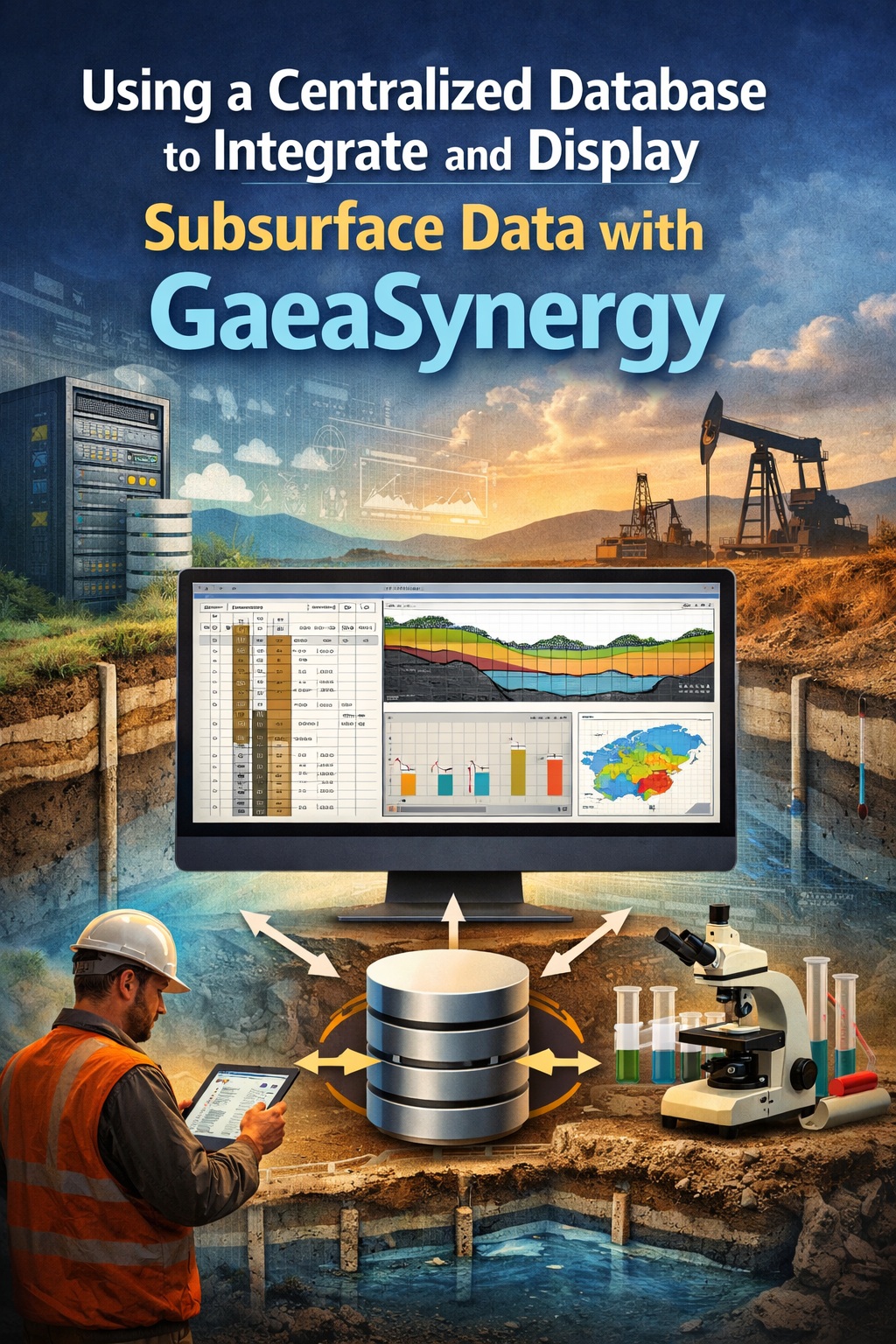
Subsurface data is the backbone of geotechnical and environmental projects—but it’s often fragmented across spreadsheets, lab reports, field logs, and CAD files. This fragmentation leads to inefficiencies, errors, and delays. A centralized database approach solves this problem by bringing all subsurface data into a single, structured system.
In this tutorial, you’ll learn how to use a centralized database with GaeaSynergy to integrate, manage, and display subsurface data efficiently—from field collection to final reporting.
Why Centralized Data Management Matters
Traditional workflows often involve:
- Multiple Excel spreadsheets
- Disconnected lab data
- Manual data entry
- Version control issues
Problems this creates:
- ❌ Duplicate data entry
- ❌ Inconsistent datasets
- ❌ Increased QA/QC effort
- ❌ Difficulty generating reports
Benefits of a centralized database:
- ✅ Single source of truth
- ✅ Real-time data updates
- ✅ Seamless integration across tools
- ✅ Faster reporting and visualization
What is GaeaSynergy?
GaeaSynergy is a centralized data management platform designed specifically for geotechnical and environmental projects. It integrates data from multiple sources into a unified database, enabling efficient storage, analysis, and reporting.
Key capabilities:
- Borehole and sampling data management
- Geotechnical lab test integration
- Environmental data handling
- Reporting and visualization tools
- Integration with field and lab systems
System Architecture Overview
A typical GaeaSynergy setup includes:
1. Central Database
- SQL-based backend (often SQL Server)
- Stores all subsurface data in structured tables
2. Data Input Sources
- Field data collection tools
- Laboratory information systems
- Legacy datasets (Excel, CSV, Access)
3. Application Layer
- GaeaSynergy interface for managing and querying data
4. Output Tools
- Reporting software
- Visualization tools
- GIS/CAD integration
Setting Up the Centralized Database
Before integrating data, you need a properly configured database.
1. Choose Your Database Environment
Most implementations use:
- Microsoft SQL Server (on-premise or cloud)
- Azure SQL (for scalable deployments)
2. Configure Database Schema
GaeaSynergy uses structured tables for:
- Projects
- Locations (boreholes, wells)
- Samples
- Tests and results
Best Practices:
- Use standardized naming conventions
- Define relationships (primary/foreign keys)
- Enforce data validation rules
Importing Existing Subsurface Data
Most organizations already have legacy data. The goal is to migrate it into the centralized system.
Common data sources:
- Excel borehole logs
- CSV lab results
- Historical databases
Import process:
- Clean the data
- Remove duplicates
- Standardize units
- Fix formatting issues
- Map fields
- Match Excel columns to database fields
- Example:
- “BH_ID” → Location ID
- “Depth” → Sample depth
- Validate data
- Check for missing values
- Ensure consistency
- Import into GaeaSynergy
- Use built-in import tools or scripts
Integrating Field Data
Field data integration is critical for maintaining accuracy and efficiency.
How it works:
- Field teams collect data using digital tools
- Data is uploaded directly to the central database
- No manual re-entry required
Benefits:
- Eliminates transcription errors
- Speeds up data availability
- Enables near real-time analysis
Integrating Laboratory Data
Laboratory data often comes from external systems (LIMS).
Integration methods:
- Direct database connection
- File import (CSV, XML)
- API integration
Key considerations:
- Consistent test naming conventions
- Unit standardization
- QA/QC validation
Managing and Structuring Data
Once data is centralized, proper management is essential.
Core data structures:
- Projects → top-level container
- Locations → boreholes, wells
- Samples → depth intervals
- Tests → results linked to samples
Best practices:
- Use consistent naming
- Maintain metadata (dates, methods, sources)
- Implement user permissions
Querying and Analyzing Data
With all data in one place, you can run powerful queries.
Examples:
- Retrieve all samples within a depth range
- Compare lab results across locations
- Identify trends in soil properties
Tools:
- Built-in query tools in GaeaSynergy
- SQL queries
- Integration with BI tools
Displaying Subsurface Data
One of the biggest advantages of centralized data is visualization.
Common outputs:
- Borehole logs
- Cross-sections
- Graphs and charts
- Environmental reports
Benefits:
- Consistent formatting
- Automated updates
- Faster report generation
Reporting and Deliverables
With centralized data, reporting becomes significantly faster.
Typical reports:
- Geotechnical investigation reports
- Environmental site assessments
- Regulatory submissions
Automation advantages:
- Auto-populated tables
- Standardized templates
- Reduced manual effort
Collaboration and Data Sharing
A centralized system enables better collaboration.
Features:
- Multi-user access
- Role-based permissions
- Cloud or network access
Result:
- Teams work from the same dataset
- Fewer communication errors
- Improved project coordination
Maintenance and Data Governance
To keep your system effective:
Implement:
- Regular backups
- Data validation rules
- Audit trails
- Version control
Governance ensures:
- Data integrity
- Compliance with standards
- Long-term usability
Common Challenges (and How to Overcome Them)
❌ Data migration complexity
✔ Solution: phased migration + validation
❌ Resistance to change
✔ Solution: training and clear workflows
❌ Inconsistent legacy data
✔ Solution: standardization before import
Best Practices for Success
- Start with a pilot project
- Standardize data formats early
- Automate wherever possible
- Train users thoroughly
- Continuously improve workflows
Final Thoughts
Using a centralized database with GaeaSynergy transforms how subsurface data is managed. Instead of juggling disconnected files and systems, you gain a unified platform that improves accuracy, efficiency, and collaboration.
For organizations handling geotechnical and environmental data, this approach is no longer optional—it’s essential for staying competitive and delivering high-quality results.