

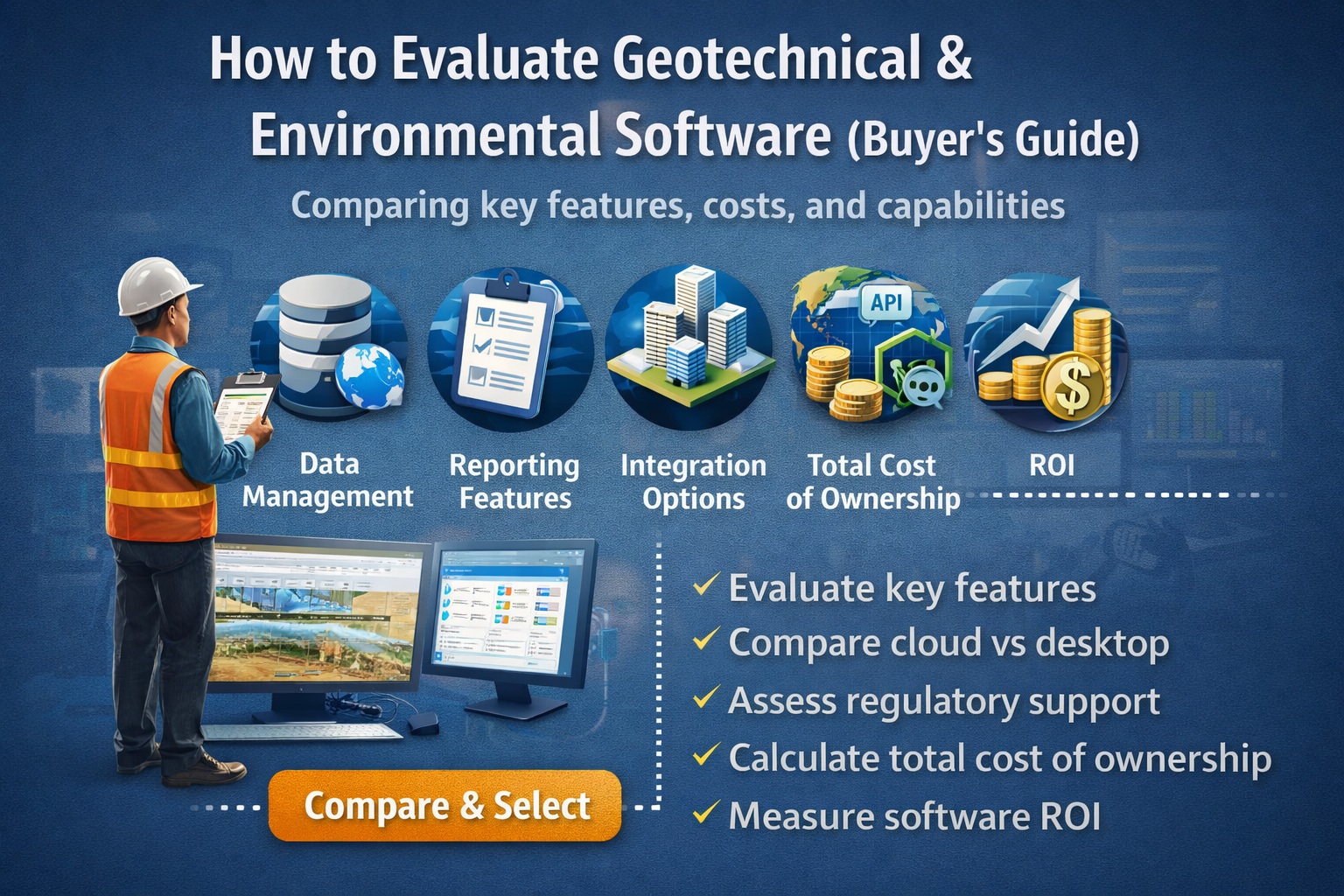
Selecting the right software for geotechnical and environmental workflows isn’t just about features—it’s about building a connected, scalable ecosystem that supports your entire data lifecycle.
What Is Geotechnical & Environmental Software?
Geotechnical and environmental software refers to tools used to:
- Capture field and borehole data
- Store and manage subsurface datasets
- Integrate laboratory results
- Model geotechnical and environmental conditions
- Generate regulatory and client reports
Where GAEA Fits
A complete ecosystem might include:
- GaeaSynergy → Central database & data management
- WinLoG → Borehole logging & visualization
- GDMS → Geotechnical data management
- EDMS → Environmental data & compliance
- POLLUTEv8 → Contaminant transport modeling
Why Is Choosing the Right Software Critical?
Poor software selection leads to:
- Fragmented data across spreadsheets and tools
- Increased QA/QC errors
- Regulatory compliance risks
- Delays in reporting and approvals
GAEA Positioning
GAEA’s integrated ecosystem reduces these risks by:
- Centralizing all project data
- Eliminating duplicate entry
- Automating reporting workflows
👉 GaeaSynergy: Integrated Geological, Geotechnical, and Environmental Data Management Platform
Should You Choose Integrated or Standalone Tools?
Integrated Platform (GAEA Approach)
Advantages:
- Single source of truth
- Seamless workflow from field → lab → reporting
- Reduced integration issues
Standalone Tools
Advantages:
- Specialized capabilities
- Flexibility
Disadvantages:
- Data silos
- Manual data transfer
Recommended Strategy
Use an integrated platform like GaeaSynergy as the backbone, with specialized tools layered where needed.
👉 Integrated vs Standalone Geotechnical Software: Which Is Better
What Features Should You Prioritize?
Core Functional Requirements
Field Data Collection
- Mobile data entry
- Borehole logging
👉 GAEA Solution: WinLoG
Centralized Database
- Structured storage
- Multi-project access
👉 GAEA Solution: GaeaSynergy / GDMS / EDMS
Laboratory Integration
- Direct lab imports
- Automated QA/QC
👉 GAEA Solution: EDMS Lab Integration
Modeling Capabilities
- Groundwater modeling
- Contaminant transport
👉 GAEA Solution: POLLUTEv8
Reporting & Visualization
- Automated borehole logs
- Environmental reports
👉 Top Features to Look for in Geotechnical & Environmental Software
How Important Is Data Management?
Data management is the foundation of everything.
Without it:
- Models become unreliable
- Reports require manual cleanup
- Teams lose confidence in data
GAEA Advantage
GaeaSynergy + GDMS + EDMS provide:
- Centralized structured databases
- Data validation rules
- Version control
- Audit tracking
👉 Why Centralized Data Management Is Critical for Geotechnical Projects
How Do You Evaluate Workflow Efficiency?
Ask:
- How many times is data re-entered?
- How long does reporting take?
- Where are delays occurring?
Example Workflow Comparison
Without Integration:
Field → Excel → CAD → Report (manual)
With GAEA:
Field → Database → Automated Reports
Result:
- Faster turnaround
- Fewer errors
👉 How to Streamline Geotechnical Workflows from Field to Report
What Role Does Automation Play?
Automation is a major differentiator.
High-Value Automation Areas:
- Borehole log generation
- Lab data imports
- Regulatory reporting
- Data validation
GAEA Strength
- Automated report generation
- Standardized outputs
- Reduced manual QA effort
👉 How Automation Improves Efficiency in Environmental Data Management
How Important Is Integration?
Integration determines whether your workflow is seamless or fragmented.
Must-Have Integrations:
- GIS systems
- Laboratory systems
- Cloud platforms
GAEA Approach:
- Central hub (GaeaSynergy)
- Modular integrations across tools
Should You Choose Cloud or Desktop Software?
Cloud Benefits:
- Remote access
- Collaboration
- Scalability
Desktop Benefits:
- Performance
- Control
- Offline access
GAEA Strategy:
- Hybrid approach (desktop + network + cloud flexibility)
👉 Cloud vs Desktop Geotechnical Software: Pros and Cons
How Do You Evaluate Reporting Capabilities?
Reporting is often the biggest time sink.
Evaluate:
- Custom templates
- Automation
- Regulatory compliance formats
GAEA Advantage:
- Standardized outputs
- Rapid report generation
- Consistent formatting
👉 How to Automate Environmental Reporting:
What About Regulatory Compliance?
Environmental software must support:
- Local environmental regulations
- ESG reporting
- Audit trails
GAEA Strength:
- Structured environmental data tracking
- Compliance-ready reporting
👉 How Environmental Software Helps with Regulatory Compliance:
How Do You Compare Vendors Effectively?
Avoid feature checklists alone.
Instead evaluate:
- Real-world workflows
- Ease of use
- Data integrity
- Implementation effort
Best Practice:
Run a pilot project using real data.
👉 How to Run a Successful Software Pilot Project Article:
What Is the True Cost of Software?
Look beyond license cost.
Total Cost Includes:
- Implementation
- Training
- Integration
- Maintenance
GAEA Value:
- Reduced labor costs
- Faster reporting
- Lower error rates
👉 Understanding Total Cost of Ownership for Engineering Software
How Do You Measure ROI?
Direct ROI:
- Time savings
- Reduced rework
Indirect ROI:
- Better decisions
- Lower risk
- Improved client satisfaction
GAEA ROI Drivers:
- Automation
- Integration
- Data quality
👉 How to Calculate ROI for Geotechnical and Environmental Software Investments
What Are Common Buyer Mistakes?
1. Choosing Based on Price Alone
2. Ignoring Workflow Fit
3. Overlooking Integration
4. Underestimating Training
5. Not Planning for Growth
👉 Top 10 Mistakes When Buying Engineering Software (And How to Avoid Them)
What Trends Are Shaping the Industry?
Key Trends:
- AI-driven modeling
- Cloud collaboration
- Mobile field data collection
- Integrated platforms
GAEA Alignment:
- Integrated ecosystem
- Automation-first approach
- Scalable data management
👉 Future Trends in Geotechnical and Environmental Software
How Should You Structure Your Evaluation Process?
Step-by-Step:
- Define requirements
- Map workflows
- Shortlist vendors
- Run demos
- Test with real data
- Evaluate ROI
- Select solution
👉 Step-by-Step Guide to Selecting Engineering Software
Final Buyer Checklist
Before making a decision, ensure:
✔ Matches your workflows
✔ Supports your data structure
✔ Integrates with existing tools
✔ Automates key processes
✔ Scales with your business
✔ Provides measurable ROI
Learn more about our Software Solutions
- GaeaSynergy Platform for Geoscientific Analysis and Visualization
- WinLoG: Borehole and Well Logs
- WinFence: Cross-sections and Fence Diagrams
- GDMS: Geotechnical Data Management System
- EDMS: Environmental Data Management System
- POLLUTEv8: Contaminant Transport Modeling and Landfill Design
- E-ASR: Automated Environmental Reporting
Related Articles
- GaeaSynergy: Integrated Geological, Geotechnical, and Environmental Data Management Platform
- Integrated vs Standalone Geotechnical Software: Which Is Better?
- Top Features to Look for in Geotechnical & Environmental Software
- Why Centralized Data Management Is Critical for Geotechnical Projects
- How to Streamline Geotechnical Workflows from Field to Report
- How Automation Improves Efficiency in Environmental Data Management
- Cloud vs Desktop Geotechnical Software: Pros and Cons
- How to Automate Environmental Reporting
- How Environmental Software Helps with Regulatory Compliance
- How to Run a Successful Software Pilot Project
- Understanding Total Cost of Ownership for Engineering Software
- How to Calculate ROI for Geotechnical and Environmental Software Investments
- Top 10 Mistakes When Buying Engineering Software (And How to Avoid Them)
- Future Trends in Geotechnical and Environmental Software
- Step-by-Step Guide to Selecting Engineering Software