

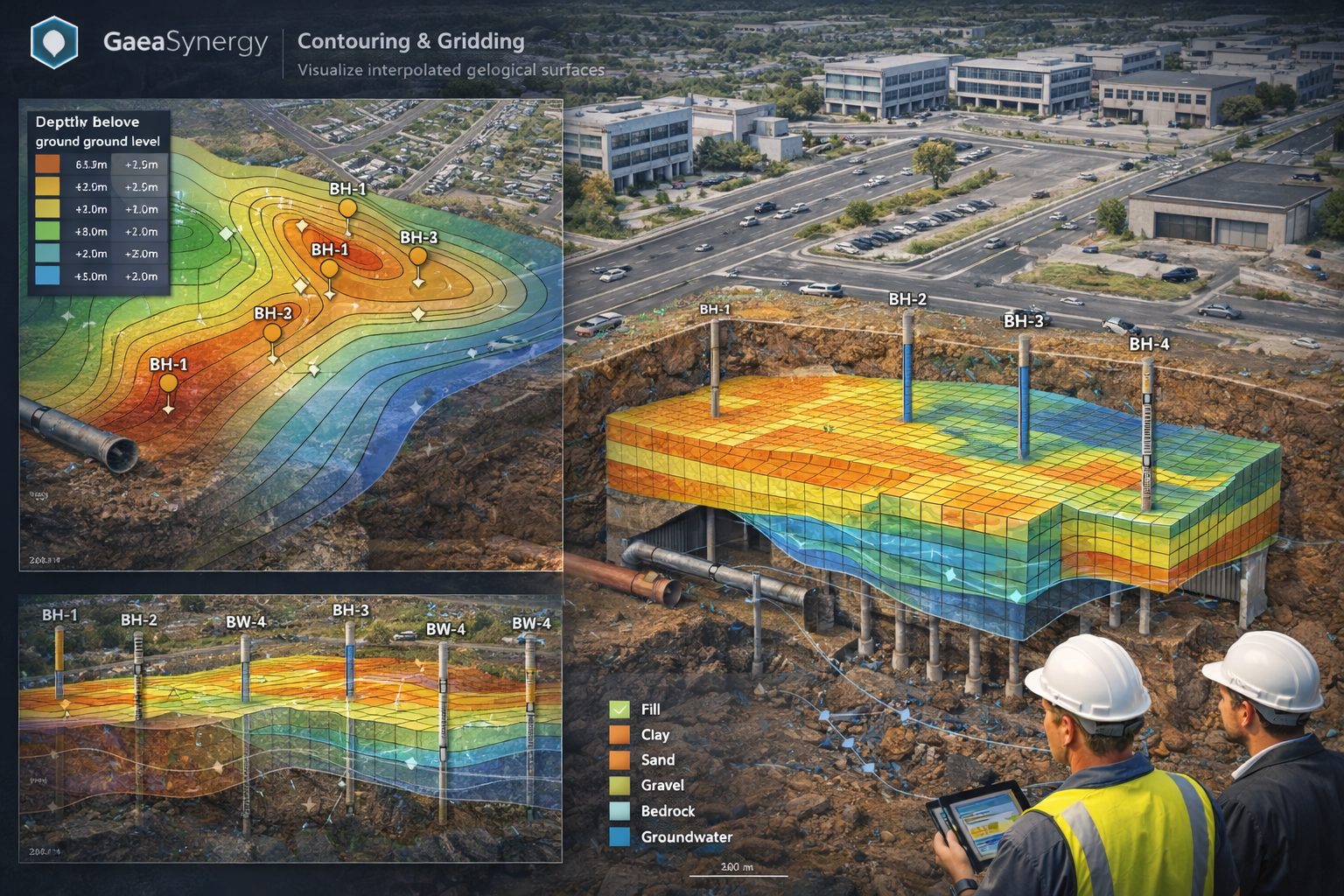
Accurate geological modeling relies on how well you can turn raw data points into meaningful surfaces. In GaeaSynergy, the processes of gridding and contouring are the engine room of this transformation, allowing geoscientists to visualize everything from stratigraphic boundaries to contaminant plumes with precision.
The Engine: Gridding Your Data
Gridding is the mathematical process of interpolating values across a uniform matrix based on your scattered data points. GaeaSynergy offers six primary algorithms to suit different geological needs:
- Natural Neighbor & Nearest Neighbor: Great for preserving local data peaks.
- Inverse Distance: A classic choice where closer points have more influence.
- Minimum Curvature: Ideal for creating smooth, aesthetically pleasing surfaces.
- Trend Surface & Modified Sheppard: Useful for identifying regional patterns.
Selecting the best algorithm depends on your data distribution, the geological nature of your site, and your desired visual output.
Gridding Selection Guide
| Method | Best Use Case | Key Strength |
|---|---|---|
| Inverse Distance | General purpose; honors all data points. | Fast calculation; great for highlighting local anomalies. |
| Kriging | Clustered or irregularly spaced data. | Advanced statistical analysis; predicts trends and provides error estimates. |
| Minimum Curvature | Smooth, continuous surfaces like topography. | Widely used in geophysics to create natural-looking models. |
| Natural Neighbor | Datasets with varied densities (some clusters, some gaps). | Maintains realistic contours without over-extrapolating. |
| Nearest Neighbor | Data already on a rough grid or with missing “holes”. | Fast; ideal for filling gaps in nearly complete datasets. |
| Trend Surface | Identifying large-scale regional patterns. | Strips away local noise to reveal the underlying regional slope. |
Selection Criteria: 3 Key Questions
- How is your data spread?
- Uniform/Dense: Triangulation or Nearest Neighbor works well.
- Irregular/Clustered: Kriging or Natural Neighbor is better at handling the gaps.
- What does the terrain look like?
- Smooth/Geophysical: Use Minimum Curvature to avoid jagged transitions.
- Sharp/Anomalous: Use Inverse Distance (with a high power) to keep local peaks prominent.
- Do you need to model specific features?
- If you have faults or breaklines, ensure you select a method like Minimum Curvature or Inverse Distance that explicitly supports these constraints.
Pro Tip: Use the Estimate button to let the software calculate an optimal grid interval for your specific data density.
The Visual: Contouring the Grid
Once your grid is generated, contouring turns that data into “isolines”—lines of equal value that reveal trends.
To generate a professional and accurate map, you must define several critical values in the Contour Form:
- Contour Intervals: The vertical distance between each line. Smaller intervals provide higher detail for flat terrain, while larger intervals prevent clutter on steep slopes.
- Minimum & Maximum Values: These define the range of data to be displayed on the map.
- “Estimate” Feature: GaeaSynergy can automatically calculate recommended intervals and ranges based on your dataset.
- Visual Representation: Isolines can be displayed as simple lines, variable color lines, or color-filled zones to highlight anomalies like high contamination or resource concentration.
Why It Matters
Beyond just “looking good,” effective gridding and contouring in GaeaSynergy allow for better prediction of variables between known data points, helping you identify mineral deposits or track oil saturation more effectively.
In GaeaSynergy, contour maps serve as a critical bridge between 2D data and more complex cross-sectional and 3D visualizations. By transforming scattered borehole data into a continuous grid, the software allows you to project this information into multiple dimensions for deeper geological analysis.
Generating Cross-Sections from Contour Data
Contour maps are inherently linked to the cross-section modules in GaeaSynergy. This integration allows for a seamless flow of data in both directions:
- Automatic Data Loading: Data points used for contouring, such as stratigraphic boundaries or contaminant levels, can be automatically pulled from existing cross-sections.
- Isoline Mapping on Sections: You can apply contour settings directly to a cross-sectional view to visualize gradients, such as oil saturation or mineralogy, along a vertical slice of the subsurface.
- Inter-Module Consistency: Boundaries defined in cross-section modules can be used to generate contour maps, ensuring that your horizontal “map view” aligns perfectly with your vertical “section view”.
Transitioning to 3D Visualization
The gridding process that powers contour maps is the same foundation required for 3D modeling.
- Surface Generation: In GaeaSynergy, the “grid” is a mathematical surface. While 2D contour lines show equal values, this same grid can be rendered as a 3D surface to visualize hills, valleys, or dipping strata.
- Predictive Modeling: Because contouring predicts variables between known data points, it allows GaeaSynergy to create a smooth 3D “envelope” of geological features.
- Integration with WinFence: Using tools like WinFence, these 2D contour maps can be converted into 3D fence diagrams, which combine multiple cross-sections into a single spatial model to characterize the subsurface environment.
Applications in Subsurface Analysis
Contouring in GaeaSynergy is not limited to surface topography. It is widely used for:
- Environmental Remediation: Mapping the spread and concentration of groundwater contamination plumes.
- Resource Exploration: Identifying the thickness of sedimentary layers (isopach maps) or oil/gas reservoirs.
- Geotechnical Engineering: Analyzing soil and rock properties or mapping fault lines to ensure structural stability.
Learn more about our Solutions
- GaeaSynergy Platform for Geoscientific Analysis
- Borehole and Well Log Data Management
- Cross Sections and Sub-surface Visualization
- Geotechnical Data Management System
- Environmental Data Management System
Related Articles
- GaeaSynergy: Integrated Geological, Geotechnical, and Environmental Data Management Platform
- Subsurface Visualization: Turning Borehole Data into Clear Geological Insight
- The Complete Guide to Borehole Data Solutions
- The Complete Guide to Geotechnical Data Management
- The Complete Guide to Environmental Data Management
- Geological Cross-Sections from Borehole Data: A Complete Engineering Guide
- Integrated Geological and Geotechnical Data Platforms
- Why Engineering Firms Need Integrated Subsurface Data Platforms
- Managing Geological, Geotechnical, and Environmental Data in One Platform
- Digital Platforms for Subsurface Investigation Data
- Connecting Borehole Databases with Geological Modeling Software
- GIS Integration in Geological and Geotechnical Data Platforms
- Data Governance in Geological and Engineering Platforms
- The Future of Integrated Subsurface Data Platforms
- How Artificial Intelligence Is Transforming Geotechnical & Environmental Engineering
- Beyond 2D: Integrating Boring Logs with 3D Models for Complex Infrastructure Projects
- Protecting Our Water: Monitoring Contaminant Plumes Through Real-Time Stratigraphic Mapping
- Strategic Data Management in GaeaSynergy
- Seamless Data Flow: Mastering Import and Export in GaeaSynergy
- Mapping the Site: GIS and Spatial Data Management in GaeaSynergy
- Comprehensive Site Intelligence: Integrating Subsurface Data and Infrastructure in GaeaSynergy 3D
- Visualizing the Invisible: 3D Above and Below Ground Structures in GaeaSynergy
- From Data to Discovery: Visualizing the Subsurface with GaeaSynergy
- GAEA Technologies Software in the Oil & Gas Industry
- Beyond the Surface: How GAEA Technologies Software Powers Modern Mining
- Winning More Bids: Using High-Resolution Subsurface Visualization to Demonstrate Project Certainty
- Selecting the Right Gridding Algorithm for Your Contour Map
- The Science of Doubt: How to Quantify and Visualize Subsurface Uncertainty in Geological Models
- Geoscientific Analysis: Key Uses and Benefits