Sample Reports
Review ASTM, CSA and Ontario Phase I and Phase II report examples.
Browse E-ASR reports

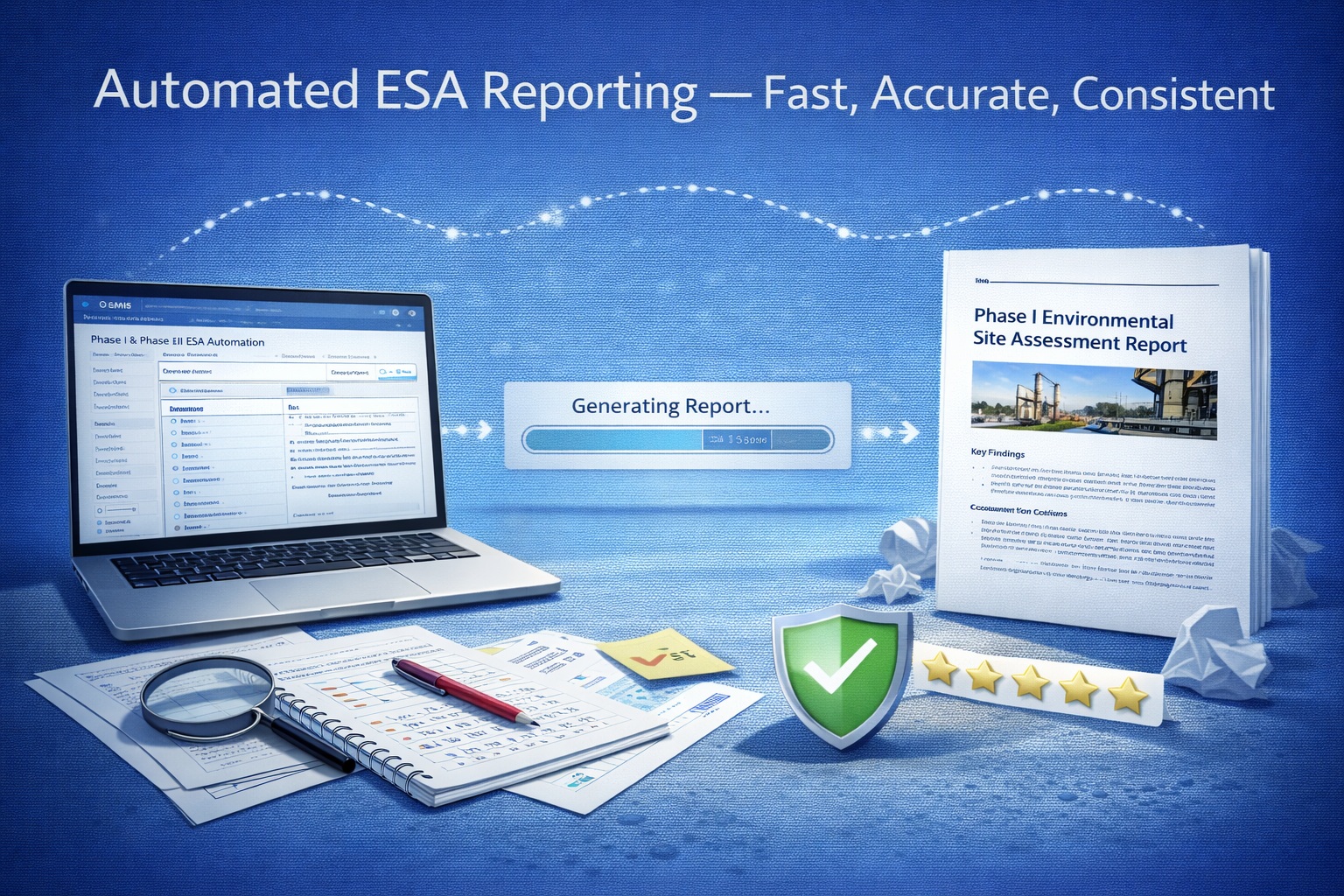
Understand how questionnaires, report templates and merge logic work together—and where professional review remains essential.
Browse the most common questions about evaluating, configuring and using E-ASR for repeatable environmental reporting.
Search by keyword or filter the questions by topic. Open a question to review the complete answer.
E-ASR is an automated environmental reporting solution that links structured questionnaire responses with predefined report templates. It is designed to reduce repetitive report assembly while preserving an editable final document and professional review.
E-ASR is intended for environmental consultants and organizations that prepare repeatable Environmental Site Assessment and related reports. It is particularly useful when teams want consistent questionnaires, standardized wording and reusable report structures.
E-ASR is primarily used for Phase I and Phase II Environmental Site Assessment reports. The questionnaire-and-template method can also be configured for other repeatable environmental reports when the organization defines the required questions, response text and report structure.
A conventional template provides formatting and placeholders. E-ASR also stores structured questions, allowable answers and the text associated with those answers, then merges the applicable content into designated template locations.
The documented E-ASR library includes ASTM E1527-21 Phase I ESA, ASTM E1903-19 Phase II ESA, CSA Z768-01 Phase I ESA, CSA Z769-00 Phase II ESA, and Ontario Regulation 153/04 Phase One and Phase Two ESA workflows.
Yes. Microsoft Word report templates can be adapted for client branding, logos, colours, terminology, section structure, jurisdiction and project type. Any change should be tested with representative questionnaires before production use.
Yes. Questionnaires can be organized into sections and subsections, use defined question types and allowable responses, and associate report text with each response. The questionnaire is then linked to the appropriate report template keywords.
No. A direct value can be merged, but an answer can also select an associated sentence or paragraph. For example, a Yes or No selection may insert configured explanatory wording rather than the single word entered by the user.
Questions are associated with keywords or placeholders in the selected report template. During the merge, those placeholders are replaced by the project-specific values or response text configured for the corresponding questions.
The user selects or creates a template and questionnaire, completes the project responses, reviews the entered information and starts the merge. E-ASR replaces configured template keywords with the values or paragraphs associated with those responses.
The documented E-ASR workflow creates the merged report in Microsoft Word format. The report remains editable so the project team can add information, complete technical review and produce the required final deliverable, including PDF when appropriate.
Yes. The merged report is intended to be reviewed and edited in Microsoft Word. Changes made only in the generated document should be managed carefully if the report may later be regenerated from updated questionnaire data.
Configured images and supporting material can be incorporated where the questionnaire and report template are designed to accept them. Placement and captions should be checked during final document review.
Yes. Questionnaire responses can be reviewed and edited before the report is generated. It is good practice to resolve missing answers, placeholders and contradictions before starting the merge.
Update the authoritative questionnaire or dataset, review the revised inputs and regenerate the report. The new draft should be compared with the previous version, because regeneration may replace manual changes made only in the earlier Word document.
No. E-ASR can provide templates and structured workflows aligned with particular standards, but standards and regulations change and project circumstances vary. The responsible professional must verify the applicable edition, jurisdiction, scope and final content.
No. E-ASR automates repetitive collection and document assembly. Qualified professionals remain responsible for evidence sufficiency, interpretations, recognized environmental conditions, conclusions, recommendations and approval of the issued report.
Confirm the correct template and questionnaire versions; verify property details, dates and sources; resolve incomplete responses; review every conditional paragraph; check figures, tables and appendices; confirm findings and conclusions; and complete technical and editorial approval.
Maintain an approved master template, identify its version and effective date, document changes, test the merge with representative response combinations and prevent unreviewed copies from becoming production templates.
Yes. The E-ASR Reports page provides sample ASTM, CSA and Ontario Phase I and Phase II outputs. Use them to assess structure and presentation, while remembering that each project still requires its own evidence and professional conclusions.
Yes. You can download the E-ASR demonstration and view the product demonstration video from the E-ASR website. For a guided evaluation or questions about your reporting workflow, contact GAEA Technologies.
Licensing requirements depend on the number of users and intended deployment. Contact GAEA Technologies for current single-user, team or organizational options and to confirm what is included with maintenance and support.
GAEA Technologies provides product support, documentation, tutorials and training resources. Contact Technical Support for installation or operational questions, and contact Sales when evaluating templates, licensing or deployment.
Review ASTM, CSA and Ontario Phase I and Phase II report examples.
Browse E-ASR reportsSee how responses and conditional paragraphs become a reviewable Word report.
Explore the merge processFollow the workflow from template and questionnaire selection through final QA.
Read the tutorialEvaluate the E-ASR workflow with the downloadable demonstration.
Get the E-ASR demoGet help with installation, configuration and operational questions.
Contact Technical SupportDiscuss templates, evaluation, licensing and deployment requirements.
Contact GAEA TechnologiesTell us about your report types, standards, templates and review workflow. We can help you determine the right evaluation path.

GAEA Technologies develops and distributes geoscience and engineering solutions worldwide. Our solutions have been used for over 30 years by companies and organizations around the world.
© 2026 GAEA Technologies. All Rights Reserved.