

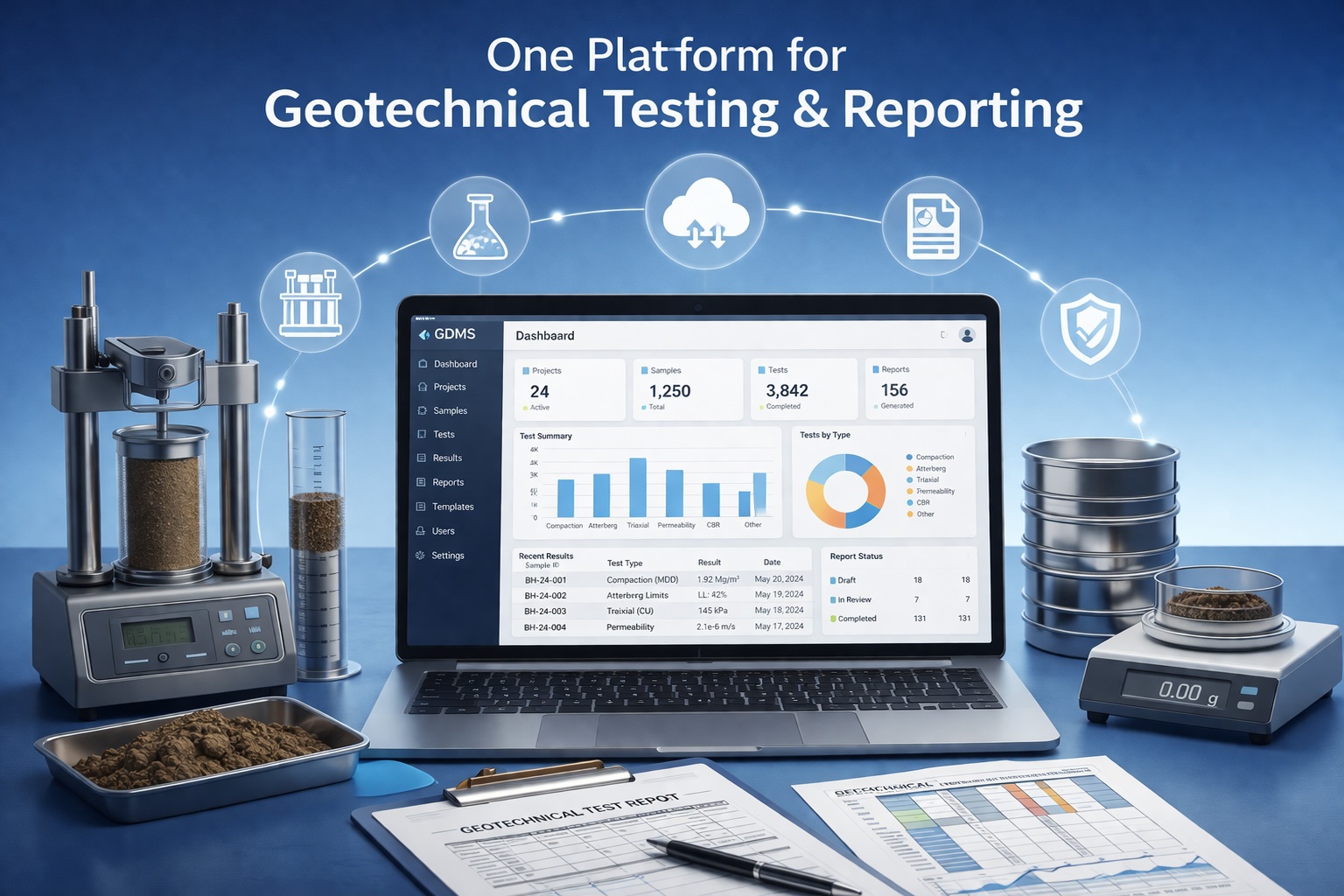
Bring Your Geotechnical Laboratory Data Forward
Move from WinSieve or an earlier GDMS release to a managed testing, calculation and reporting workflow.
Protect historical records, confirm the correct license path and prepare representative projects before changing a production installation.
Migration, Upgrade or Update?
The appropriate route depends on your installed product, major version, license type and annual-maintenance status.
WinSieve to GDMS
Move beyond standalone grain-size analysis to GDMS test workflows and managed project records. Legacy databases should be reviewed before import.
Request migration reviewGDMS Version Upgrade
Move an earlier GDMS license to the current major release. Licensing, database conversion and deployment requirements may apply.
Confirm eligibility and pricingMaintenance Update
Install eligible maintenance releases within your licensed major version. Access depends on current support and maintenance entitlement.
View software updates | Purchase maintenanceMore Than a File-Format Change
An upgrade should improve how laboratory information is calculated, reviewed, retrieved and reused—not simply reproduce an older report.
Managed Laboratory Records
Keep projects, samples, tests, measurements and results in a consistent data structure.
Broader Test Coverage
Extend beyond grain-size analysis to supported soil, aggregate, concrete, asphalt and rock workflows.
Repeatable Calculations
Retain entered measurements with calculated values, tables and engineering curves.
Consistent Review
Standardize test forms, units, result checks and report presentation across the laboratory.
Standardized Reports
Generate test-specific result sheets with the applicable tables, calculations and plots.
Project Integration
Keep laboratory results available within the wider GaeaSynergy project environment where licensed.
From Standalone Sieve Analysis to GDMS
WinSieve remains the source of valuable historical gradation records. GDMS expands the working context around those results.
| Area | WinSieve | GDMS | Upgrade Value |
|---|---|---|---|
| Testing scope | Grain-size and hydrometer analysis | Multiple supported tests for soil and aggregates, concrete, asphalt and rock | Manage more laboratory workflows in one system |
| Data organization | Standalone sieve-analysis databases | Projects, samples, tests and results in managed records | Improve retrieval and reduce isolated files |
| Calculations | Gradation calculations and classifications | Test-specific calculations, classifications, tables and curves | Extend repeatable processing to additional tests |
| Reporting | Customizable grain-size charts | Standardized test reports across supported material groups | Use more consistent laboratory deliverables |
| Project context | Primarily standalone test records | Wider GaeaSynergy integration where licensed | Connect laboratory results with project information |
| Historical data | Existing WinSieve databases | Reviewed legacy import path | Preserve useful records while adopting the new workflow |
A Four-Step Upgrade Plan
Confirm the path before changing a working laboratory workstation, shared database or network installation.
Identify
Record the current product, version, license type, serial information and maintenance status.
Assess
Review legacy databases, custom classifications, report needs, users and deployment requirements.
Protect and Migrate
Back up source data, retain an untouched archive and follow the confirmed conversion sequence.
Verify
Compare representative samples, calculations, curves and reports before adopting the new production workflow.
Protect the Records Your Laboratory Depends On
Migration should be tested with representative data, including unusual gradations, custom classifications and reports that matter to current clients.
- Back up every WinSieve or earlier GDMS database before conversion
- Retain an untouched copy of the original software data
- Identify custom sieve sets, classifications, graph formats and templates
- Select representative projects and test records for verification
- Document required units, methods, report branding and approval practices
- Plan single-user or network deployment before installation
Information to Include
For a faster upgrade review, provide:
- Current product and version
- Single-user or network license
- Serial or registration details
- Annual-maintenance status
- Number and type of legacy databases
- Custom reports or classifications
- Number of users or workstations
Common GDMS Upgrade Questions
GAEA can confirm the exact requirements for a specific license, database and installation.
Is an upgrade the same as an update?
No. A major-version upgrade or product migration changes the licensed product or major release. An update is a maintenance release for an eligible current license.
Can WinSieve data be moved to GDMS?
Legacy WinSieve databases can be reviewed for import. The appropriate process depends on the database, classifications, templates and version involved.
Will converted reports look identical?
Not necessarily. Historical data can be preserved while GDMS uses its own test forms and report layouts. Identify critical client formats during the upgrade review.
What if annual maintenance has expired?
GAEA will review the license and maintenance history and provide the applicable renewal, reactivation or upgrade options.
Can a network installation be upgraded?
Yes. Include the number of concurrent users, workstation details and current database arrangement when requesting a review.
Should the old software be removed first?
No. Preserve the working installation and verified backups until the recommended installation and migration sequence has been confirmed.
Plan the Upgrade with the Right References
Use the product pages to assess capability and the Knowledge Center guide for more background on WinSieve migration.
WinSieve to GDMS Guide
Review the rationale, workflow expansion and migration benefits in the Knowledge Center.
Read the upgrade guideSupported Test Types
Compare your current laboratory program with the searchable GDMS test reference.
Review GDMS test typesReport Examples
Inspect representative calculations, tables, curves and standardized reports.
Browse GDMS examplesReady to Plan Your GDMS Upgrade?
Request a license and migration review before changing a production installation or legacy database.
