Answers About WinLoG
Product-specific guidance for evaluating, purchasing, deploying and using WinLoG.
Find clear answers about log templates, supported data, validation, field workflows, licensing, upgrades, maintenance and support.


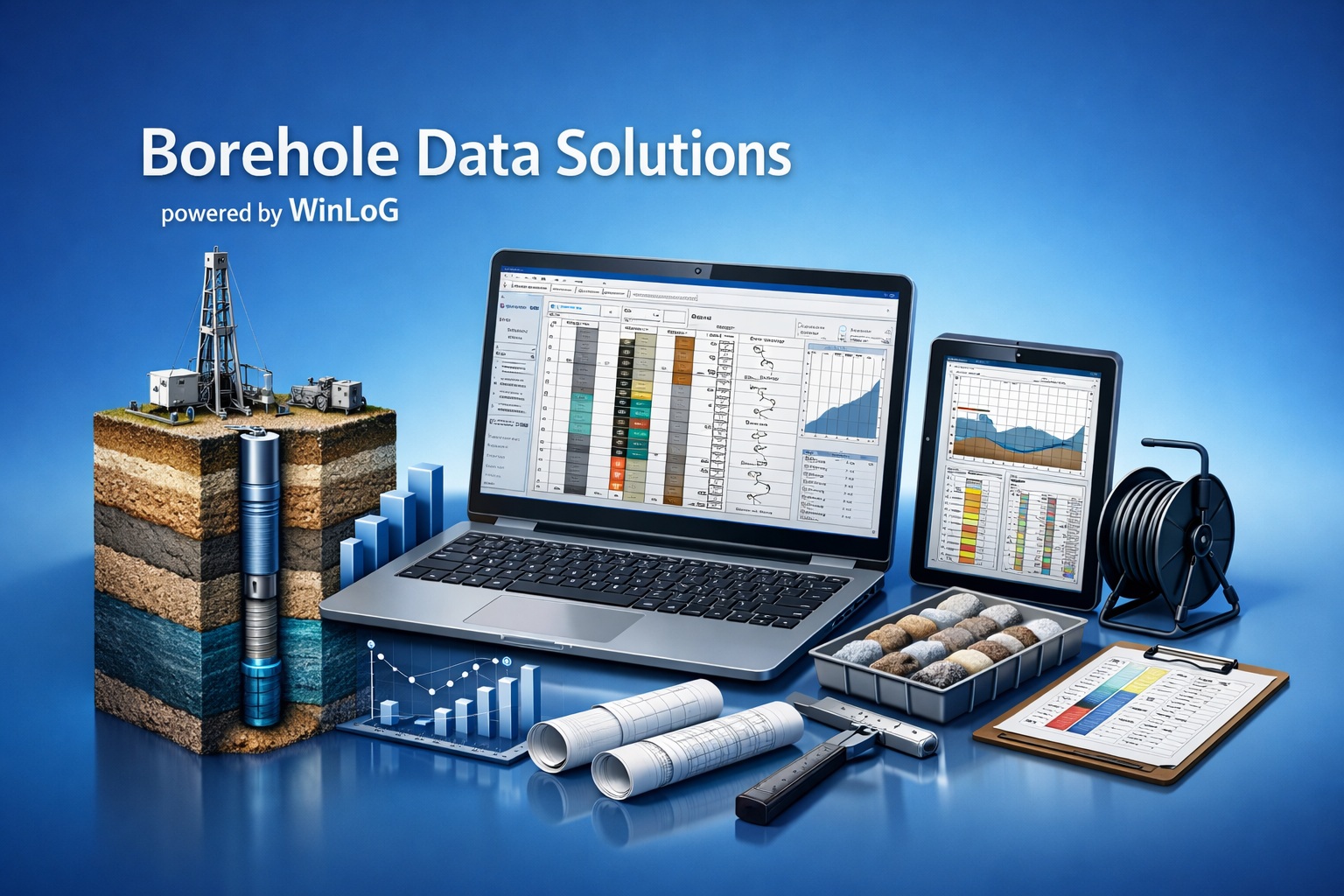
This page focuses on WinLoG. Questions covering the complete GAEA product family, enterprise deployment and general services remain in the Knowledge Center.
WinLoG is professional borehole and well logging software from GAEA Technologies. It is used to enter structured subsurface data, create graphical logs, document well construction, validate borehole information and produce project deliverables.
WinLoG supports geotechnical, environmental, groundwater, geological, mining, transportation, oil-and-gas and other drilling-related applications. It is designed for engineers, geologists, hydrogeologists, field staff, data managers and technical reviewers.
Yes. A demonstration version is available from the Download Demo page. You can also review completed logs and validation reports in the WinLoG Example Library.
The WinLoG Features page is the current product reference for released logging, template, construction, field-integration, reporting and validation capabilities.
WinLoG can create boring, borehole, well, core and investigation logs for many subsurface disciplines. Layouts can combine lithology, samples, test results, graphs, geophysical curves, core photographs, well construction, remarks and project-specific data.
Yes. Templates can be configured with company information, headers, footers, depth scales, columns, symbols, graphical styles and project-specific fields. Reusable templates help standardize logs across users, projects and offices.
The searchable WinLoG Data Types page lists the user-facing types available for template design, grouped by discipline and function.
WinLoG provides migration paths for legacy projects and templates. The exact procedure depends on the originating version and configuration. Back up all project data and contact GAEA before changing a working legacy installation.
WinLoG supports workflow-specific imports, including Electronic Data Interchange from WinLoG Field Assistant and LAS or ASCII data for supported geophysical curves. Contact GAEA to confirm the best route for another source format.
WinLoG can produce professional printed and PDF logs, graphical outputs and supported data-exchange files. Available export choices depend on the log content and workflow; the current feature page provides the product-level overview.
WinLoG checks completeness, valid ranges and relationships across borehole datasets. Released rules cover areas such as lithology, samples, SPT and N-values, water content, core recovery, RQD, environmental results, groundwater, mineral exploration and oil-and-gas records.
A finding can identify the applicable rule, severity, affected dataset and field, relevant depth or interval, and an explanation of the issue. Results can be organized into a borehole validation report.
No. In addition to completeness checks, WinLoG can evaluate domain limits and cross-dataset consistency—for example, whether related sample, lithology, laboratory, groundwater or core records agree.
No. Validation helps reviewers find records that need attention, but it does not replace professional judgment, project requirements or the responsibility of the qualified person reviewing the data.
The Validation and QA/QC Examples page contains example logs, validation reports and downloadable data covering several investigation types.
WinLoG Field Assistant is an Android field-logging application. It uses templates to collect borehole and well data on a tablet and can operate independently or exchange data with an office WinLoG workflow.
Yes. Field Assistant stores data locally on the Android tablet for offline field collection. Data can be transferred later using the configured exchange workflow.
WinLoG operates as the borehole and well logging module within GaeaSynergy. Borehole data can support other project activities, such as maps, cross-sections and 3D visualization, when the required modules are included in the organization’s license.
Not necessarily. Access to WinFence, EDMS, GDMS and other GaeaSynergy capabilities depends on the products and modules included in the purchased license. Request a quote for the configuration your organization needs.
WinLoG is available in single-user and network configurations. A single-user license is intended for one workstation, while a network license manages concurrent access for a team. Contact GAEA for current licensing and pricing.
A network license uses a license-management service to make a defined number of concurrent seats available to client workstations. A seat is checked out when the software is running and becomes available when released.
Annual maintenance provides access to the support, updates and upgrade entitlements defined by the current maintenance agreement. Visit Purchase Annual Maintenance or contact GAEA to confirm the status of a specific license.
An upgrade moves a license to a newer major version, while an update is a maintenance release within the licensed version. Use the WinLoG Upgrades page for major-version planning and Software Updates for current maintenance releases.
GAEA will review the license and maintenance history and provide the applicable renewal, reactivation or upgrade options. Contact sales before ordering so the correct path can be confirmed.
License transfers are generally supported, but the procedure depends on the license type and current installation. Contact technical support before decommissioning the old computer or changing a network license server.
Use the Software Manuals and Tutorial Videos pages for product documentation, demonstrations and guided workflows.
Yes. Training can cover log creation, template design, field workflows, data migration and other product-specific topics. Visit the Training page or contact GAEA to discuss requirements.
Use the Contact Support page and include the WinLoG version, license type, a clear description of the issue and any relevant error message. Support entitlement depends on the applicable license and maintenance agreement.
WinLoG is Windows desktop software, while WinLoG Field Assistant runs on supported Android tablets. Requirements can change with product releases, so confirm the current operating-system, database and network requirements with GAEA before deployment.
Visit the WinLoG Purchase page or contact GAEA Technologies. Include the desired license type, number of users and any migration, training or network-deployment requirements.
Try a broader search or contact GAEA Technologies for assistance.
Choose the destination that best matches your question so GAEA can respond efficiently.
Ask about capabilities, licensing, pricing, migration or training.
Contact salesThe broader Knowledge Center FAQ covers products, services, licensing models, networking, deployment, data integration and organization-wide considerations.
Explore completed logs, evaluate the demonstration version or request the license configuration that fits your organization.

GAEA Technologies develops and distributes geoscience and engineering solutions worldwide. Our solutions have been used for over 30 years by companies and organizations around the world.
© 2026 GAEA Technologies. All Rights Reserved.