

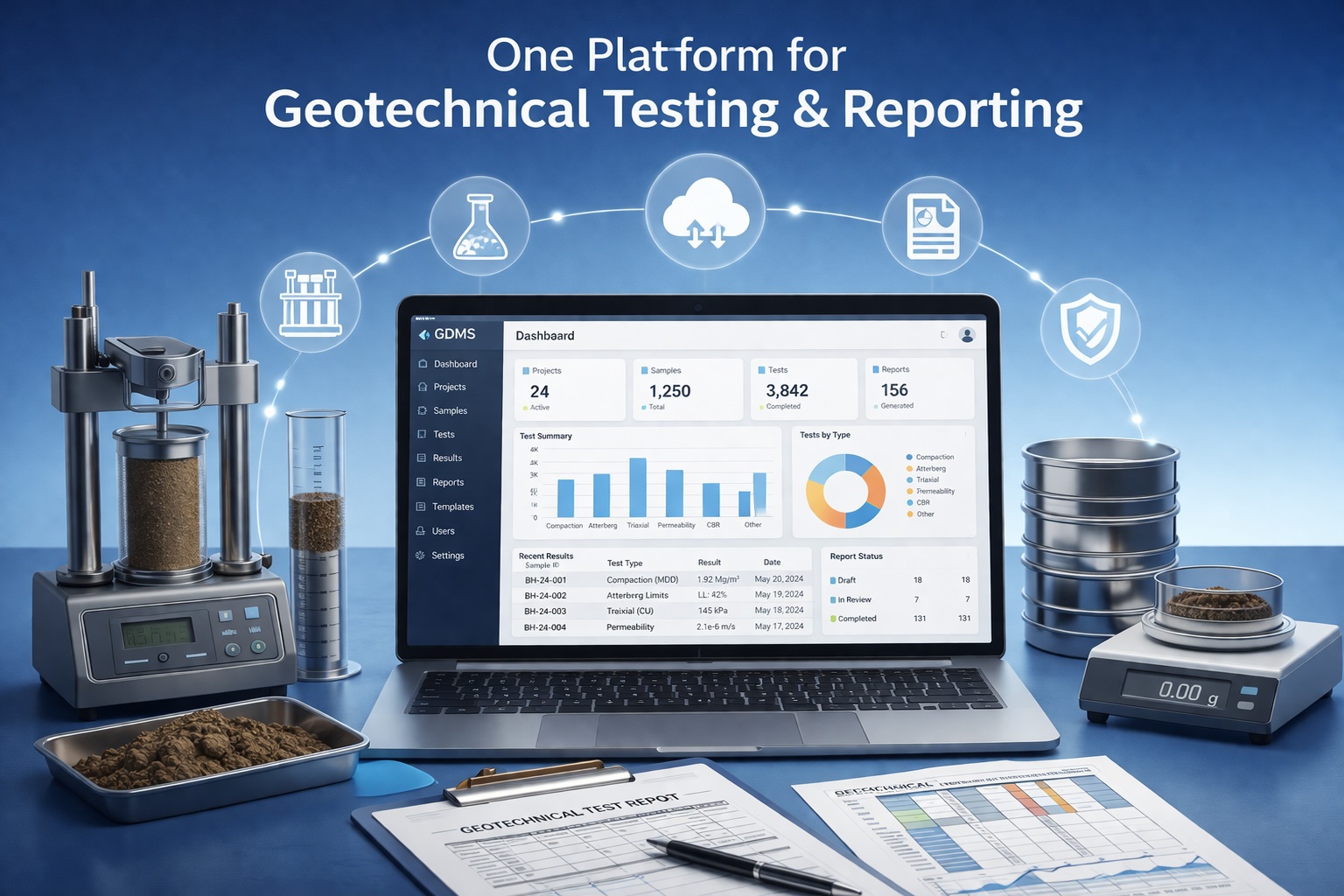
Answers About Geotechnical Laboratory Data with GDMS
Find concise answers about supported tests, measurements, calculations, quality control, reporting, integration, licensing and migration.
Use this page for product-level questions, then follow the linked GDMS references for detailed workflows and report examples.
Browse by Topic
The questions are grouped around product scope, supported tests, quality and reporting, project integration, and purchasing or support.
Product and Applications
What GDMS manages and where it fits.
What is GDMS?
GDMS is GAEA Technologies’ Geotechnical Data Management System. It combines test-specific data entry, calculations, engineering graphs, quality-control review, standardized reporting and managed laboratory records within the GaeaSynergy platform.
Who is GDMS designed for?
GDMS is intended for geotechnical and construction-material laboratories, engineering consultants, testing organizations and project teams that need repeatable calculations, consistent reports and retrievable test records.
Which material groups does GDMS support?
GDMS supports workflows for soil and aggregates, concrete, grout and mortar, asphalt, and rock. The GDMS Test Types page provides the searchable test-by-test reference.
Is GDMS only a laboratory reporting program?
No. Reporting is one part of the workflow. GDMS also manages projects, samples, specimens, measurements, calculations, classifications, graphs and supporting test information so the reported result remains connected to its source data.
Is GDMS part of GaeaSynergy?
Yes. GDMS operates within GaeaSynergy, allowing geotechnical laboratory information to remain available with the wider project record. Access to other modules and platform capabilities depends on the products included in the license.
Tests, Measurements and Calculations
Entering observations and producing engineering results.
Which geotechnical tests are available?
Supported workflows include common classification, moisture, gradation, density, compaction, strength, deformation, permeability and durability tests. Concrete, asphalt and rock workflows are also available. See the complete test reference for the current organized list.
Does GDMS perform test calculations automatically?
GDMS uses test-specific forms and calculations to derive applicable engineering values from entered measurements. Users must still verify specimen information, units, method requirements, input accuracy and the technical reasonableness of each result.
Does GDMS retain the measurements behind a calculated result?
Yes. The intended workflow retains entered observations and measurements with the calculated values, tables, graphs and report information, helping reviewers trace the result back to its inputs.
Can one sample have multiple tests?
Yes. Tests are organized in the context of projects, samples, materials and specimens so applicable results can remain associated with the same project record.
Are test methods and standards built into the software?
GDMS provides workflows and calculations for supported tests, but the software is not a substitute for the governing standard or laboratory procedure. Confirm the applicable ASTM, AASHTO, CSA or other method, current edition, equipment, specimen preparation, calculations and reporting requirements.
Can laboratories use different units?
Test forms are designed around the units required by the applicable workflow. A laboratory should standardize units before data entry and confirm that source measurements, calculated values and report labels are consistent.
Quality Control and Reporting
Reviewing results and producing consistent deliverables.
How does GDMS support laboratory quality control?
GDMS supports consistent test forms, required inputs, units, calculations and report layouts. Reviewers can keep the entered measurements and calculated output together rather than checking a disconnected spreadsheet and final PDF.
Does an automatically calculated result still require review?
Yes. Automation reduces repetitive calculation and transcription, but qualified staff should review sample identity, specimen condition, test method, measurements, units, calculations, exceptions, plots and final interpretation before issuing a report.
Which reports can GDMS produce?
GDMS produces test-specific result sheets using the applicable measurements, calculated values, tables and engineering graphs. The exact layout depends on the material and test. Browse the GDMS Examples Library to inspect representative outputs.
Can reports be standardized across projects?
Yes. Consistent test forms and report formats can reduce variation between projects and personnel. Laboratories should still document approved templates, branding, sign-off responsibilities and any client-specific requirements.
Can historical results be found and reused?
Structured project, sample and test records make previous results easier to retrieve than isolated spreadsheets or report files. Reuse should preserve the original context and should not replace project-specific technical review.
Are the example reports official test procedures?
No. The examples illustrate GDMS calculations, graphs and reporting capabilities. They do not replace a current laboratory procedure, governing standard, accreditation requirement or professional review.
Data Management and GaeaSynergy Integration
Connecting laboratory results with the wider project.
How is GDMS data organized?
GDMS organizes records by project, sample, material, specimen and test type. Measurements, calculated results and report information remain connected within the managed project database.
Can GDMS results be used elsewhere in GaeaSynergy?
Selected laboratory information can remain available within the wider GaeaSynergy project environment. The exact maps, charts, subsurface displays and other uses depend on the installed modules and project configuration.
Does GDMS replace WinLoG or WinFence?
No. GDMS manages geotechnical laboratory testing and results. WinLoG is used for borehole and well logs, while WinFence is used for cross-sections and fence diagrams. GaeaSynergy allows the products to contribute to a coordinated project workflow where licensed.
Can GDMS replace laboratory spreadsheets?
GDMS can replace many test-specific calculation and reporting spreadsheets with structured workflows. Before transitioning, compare every required method, input, calculation, check, report field and approval step with representative laboratory cases.
Can multiple users work with GDMS?
Single-user and network licensing options support different deployment needs. Contact GAEA Technologies to match concurrent use, workstation configuration and shared project access to the laboratory workflow.
Evaluation, Licensing, Upgrades and Support
Selecting, migrating and maintaining GDMS.
Can I evaluate GDMS before purchasing?
Yes. Use the demonstration download, report examples and test reference to compare GDMS with representative laboratory workflows and deliverables.
Which licensing options are available?
Current license choices and pricing are provided on the GDMS purchase page. Contact GAEA Technologies when a network or multi-user configuration must be matched to a specific laboratory.
Is annual maintenance included?
Maintenance terms depend on the purchase and current entitlement. Review the purchase information or contact GAEA Technologies for the applicable updates, support, renewal or reactivation terms.
Can WinSieve data be migrated to GDMS?
Legacy WinSieve databases can be reviewed for import into the GDMS workflow. Back up all source databases and identify custom classifications, sieve sets, graphs and reports before conversion. See the GDMS Upgrades page for the planning process.
What should I prepare for an upgrade review?
- Current product, version and license type
- Serial or registration information
- Maintenance status and number of users
- Representative legacy databases
- Custom classifications, templates and reports
- Required test workflows and deployment details
How do I obtain technical support?
Use the Technical Support contact page. Include the GDMS and GaeaSynergy versions, license type, test type, workflow step, error text and screenshots required to reproduce the issue. Do not send confidential project data unless requested through an approved method.
Continue from the FAQ
Choose the resource that matches your current product-evaluation or laboratory-planning decision.
Compare Capabilities
Review laboratory records, calculations, quality control, reporting and integration.
Explore GDMS featuresConfirm Test Coverage
Search supported workflows by material, purpose and typical output.
Review GDMS test typesInspect Reports
See representative calculations, tables, engineering curves and result sheets.
Browse GDMS examplesLearn More About GDMS
Continue to product pages and Knowledge Center articles for deeper explanations, outputs and migration guidance.
GDMS Features
Follow the workflow from managed samples and measurements to reviewed test reports.
Explore the featuresGDMS Upgrades
Plan a WinSieve migration, earlier-version upgrade or maintenance update.
Review upgrade optionsGeotechnical Data Management
Review the principles behind structured laboratory and project information.
Read the complete guideLaboratory Data Management
Learn how managed measurements and results improve retrieval and reporting.
Read the laboratory guideWinSieve Migration
Understand the transition from standalone sieve analysis to GDMS.
Read the migration guideGeneral GAEA FAQ
Find broader answers about products, deployment, licensing, training and services.
Open the general FAQReady to Evaluate GDMS?
Confirm test coverage, inspect representative reports and compare the workflow with your laboratory requirements.
